Manual contents
9.1 HQPlayer NAA Streaming Playback Operation Instructions
On this page
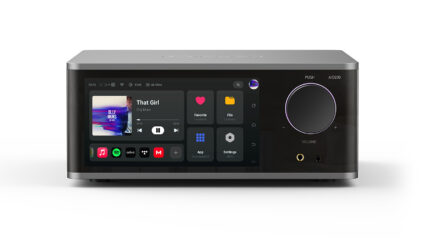
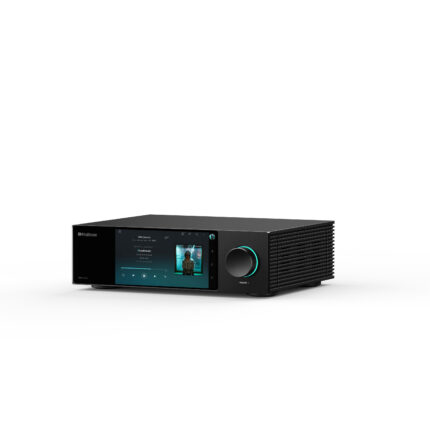
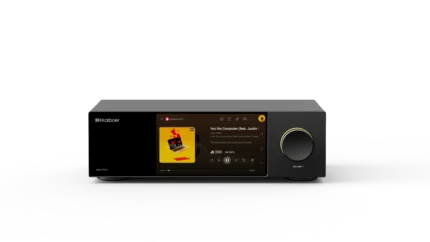
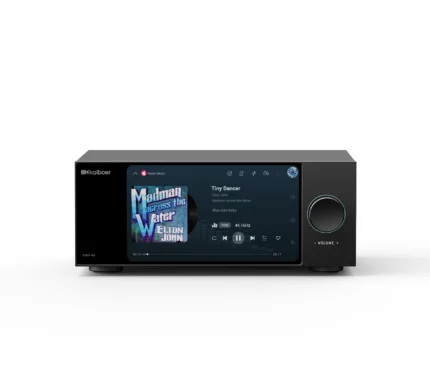
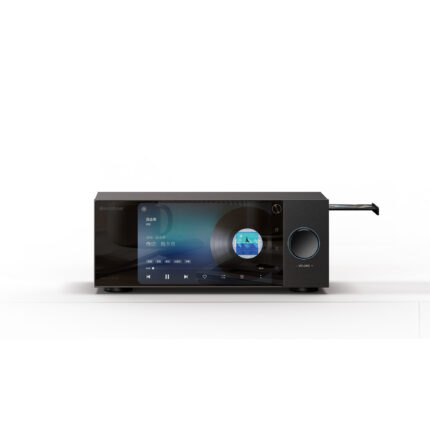
Kaiboer DMP has adapted the Network Audio Adapter (NAA) protocol on the system platform, which enables your Kaiboer device to perfectly support HQPlayer's remote streaming playback, achieving asynchronous transmission and lossless playback of high-specification audio.
This guide covers Kaiboer NAA Bridge with HQPlayer Desktop 5.17.1 or later. Supported output rates depend on the DMP model, firmware, and HQPlayer configuration; confirm the rate shown by your selected device before playback.
Quick Connect Steps
- Start the service: open the app on the device and toggle the "Start Service" switch on the main screen. When the status shows "Running", your device is ready to receive audio streams.
- Find the endpoint: make sure the computer running HQPlayer and this device are on the same local network.
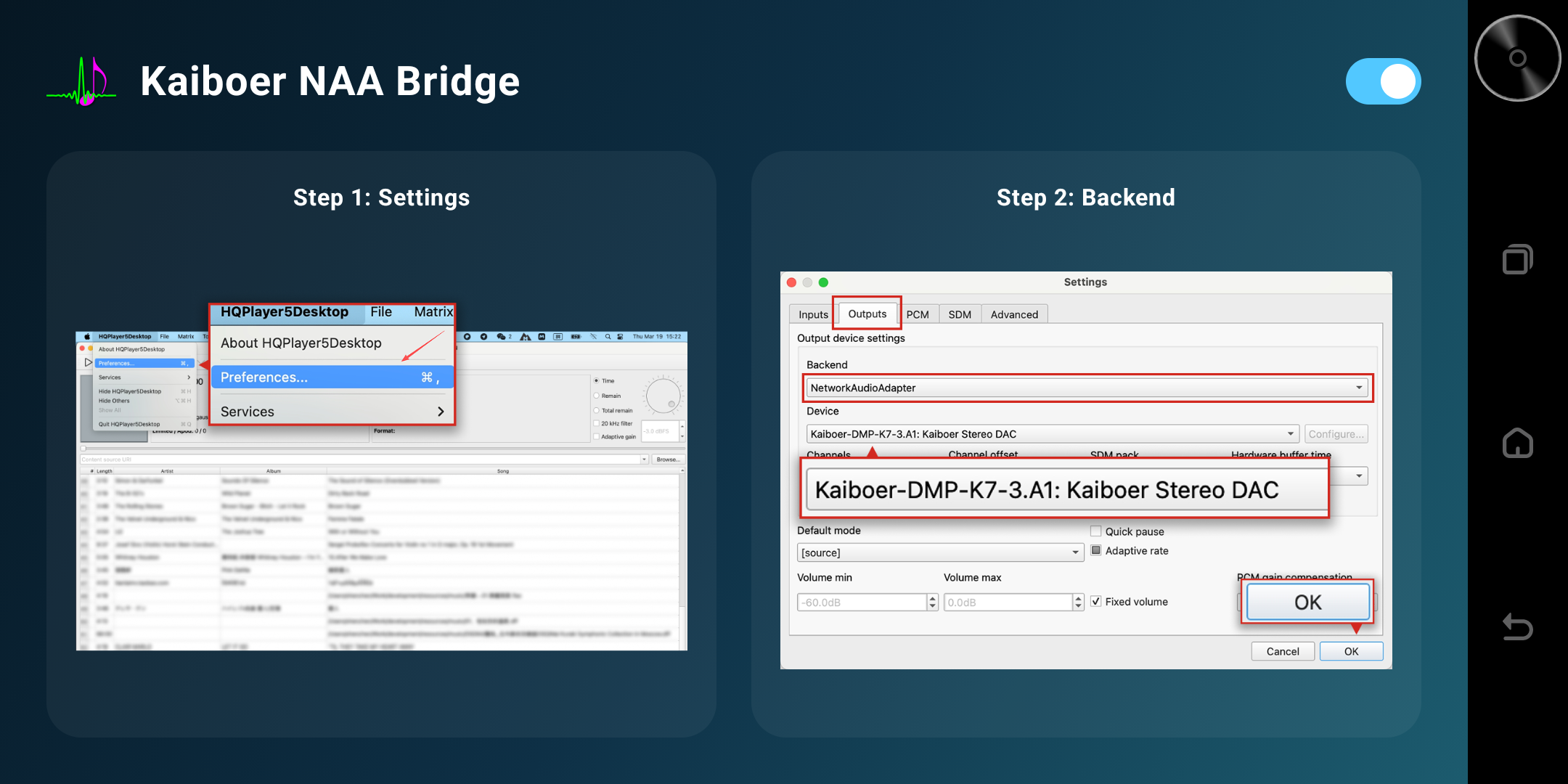
- Set the output: in HQPlayer's Settings, choose NetworkAudioAdapter as the Backend.
- Volume setting: in Settings, choose a level between -64 and 0 dB. (Supported by kbenaabridge since V1.1.5; currently iterated to V1.3.5.)
- Select the device: in the popup device list, you will see an endpoint named kbenaabridge (or your device model). Select it and apply the setting to start enjoying hi-fi music.
Detailed illustration
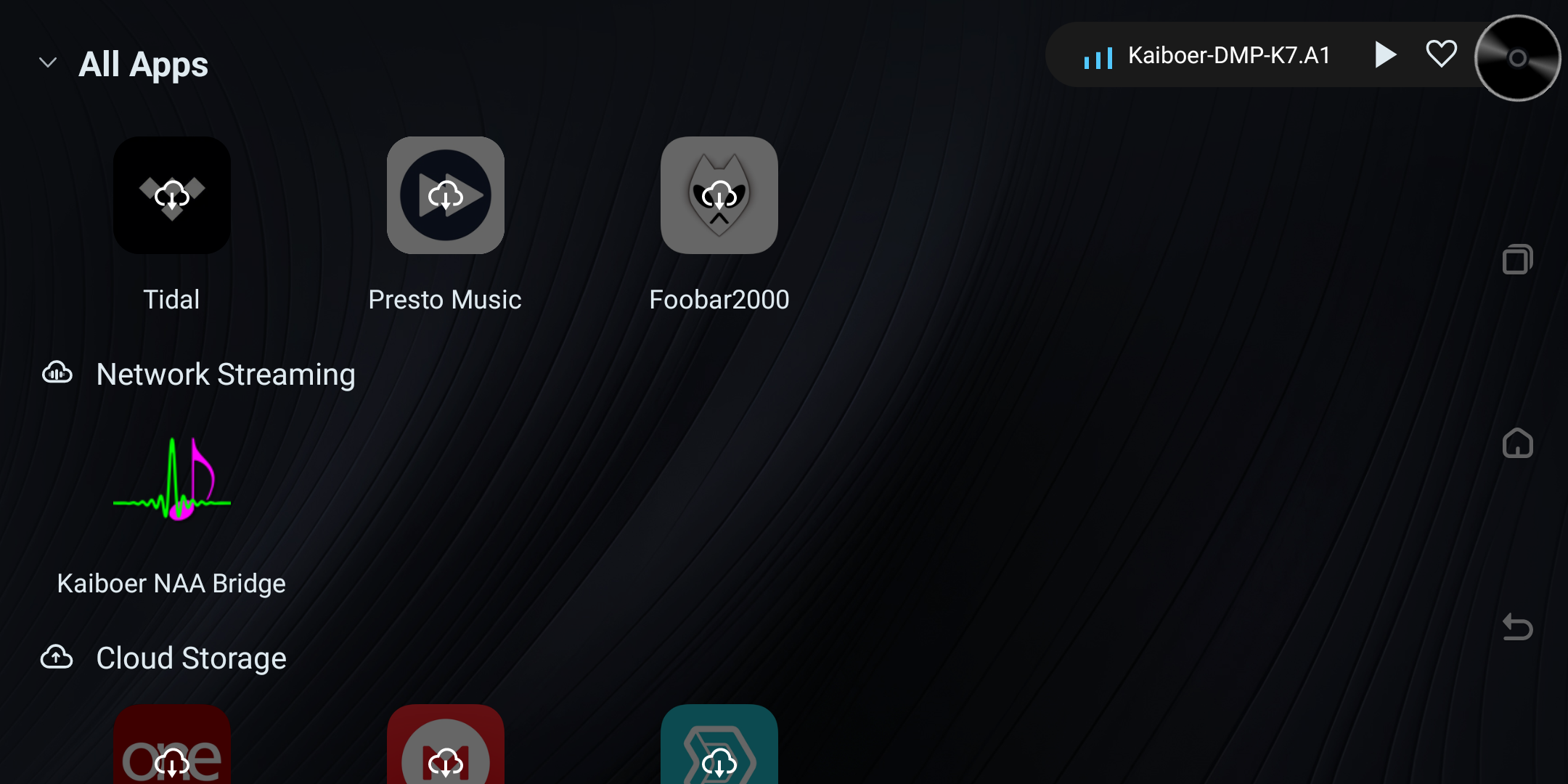
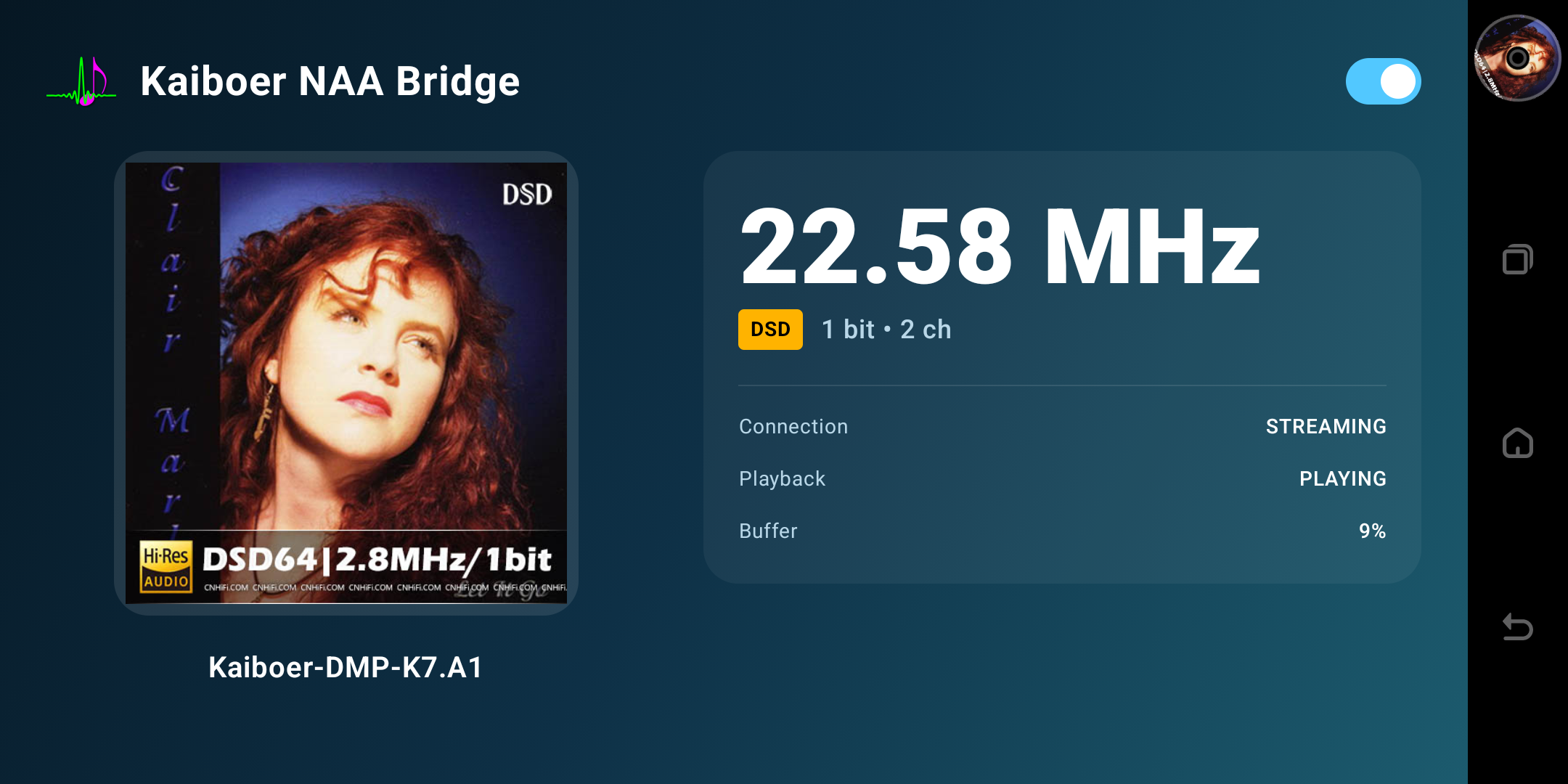
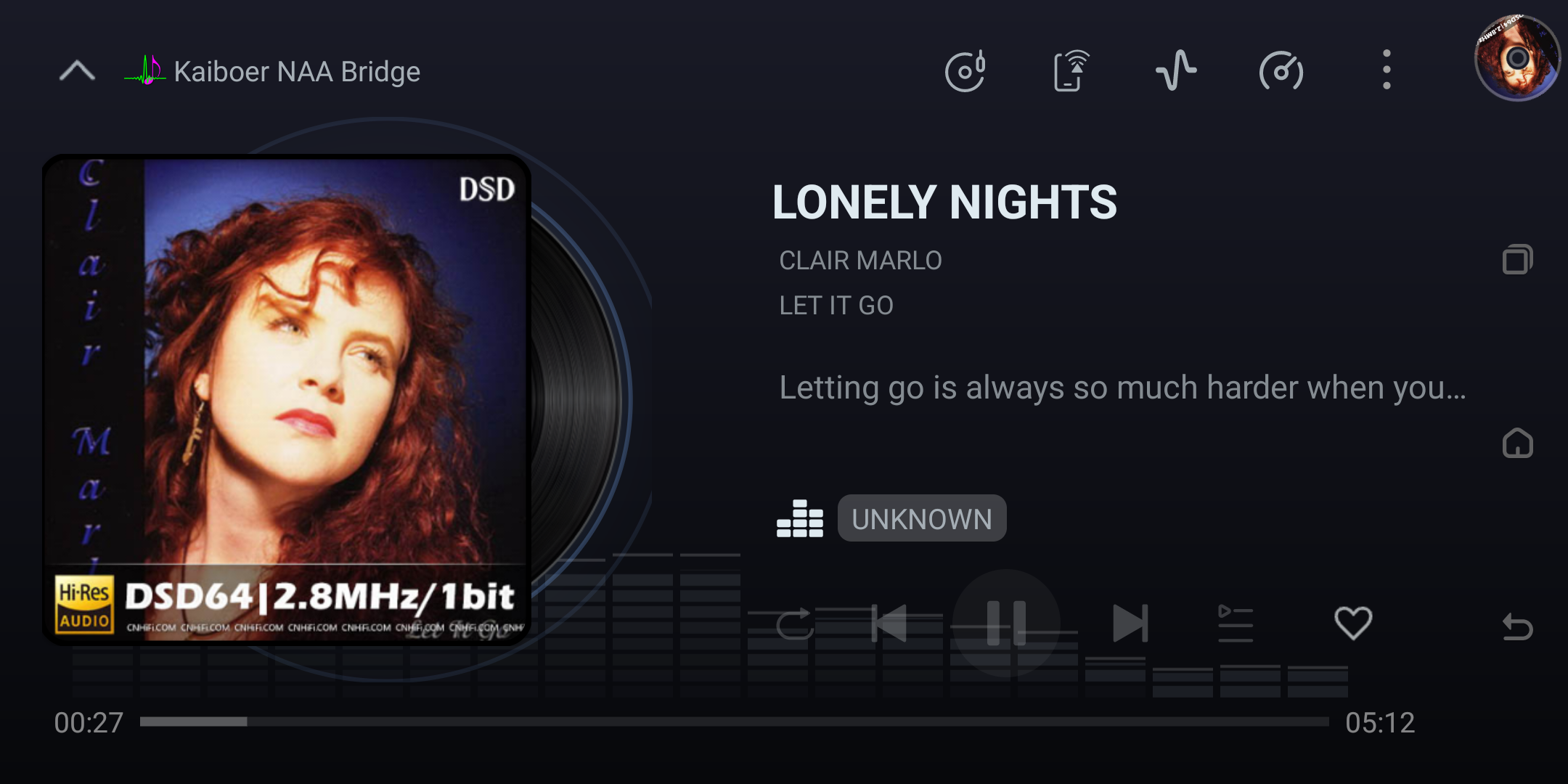
1. Find and open the Kaiboer NAA Bridge app (in the Network Streaming category).
2. Open the NAA Bridge app, follow the instruction to let HQplayer discover the KBE DMP device
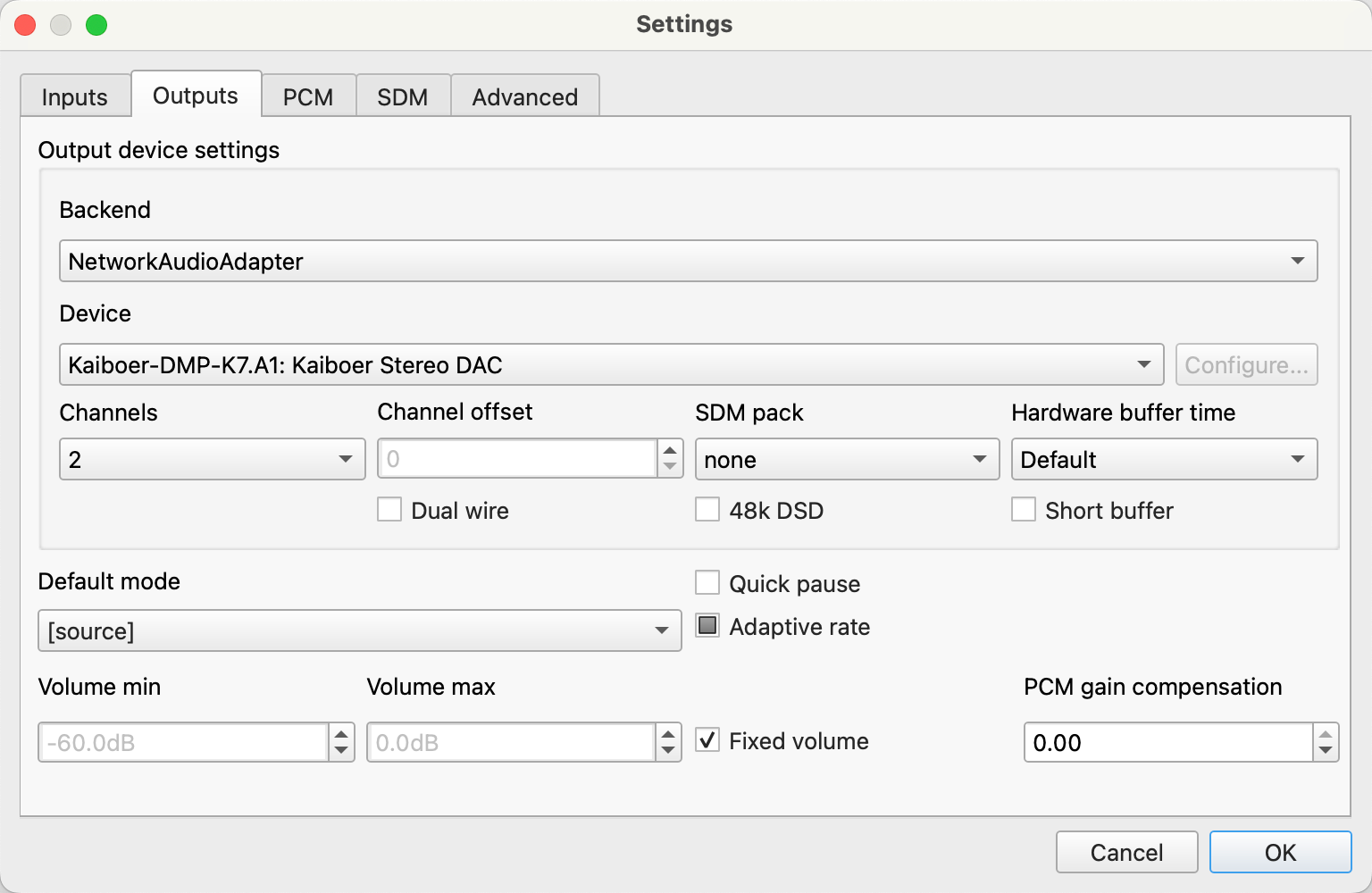
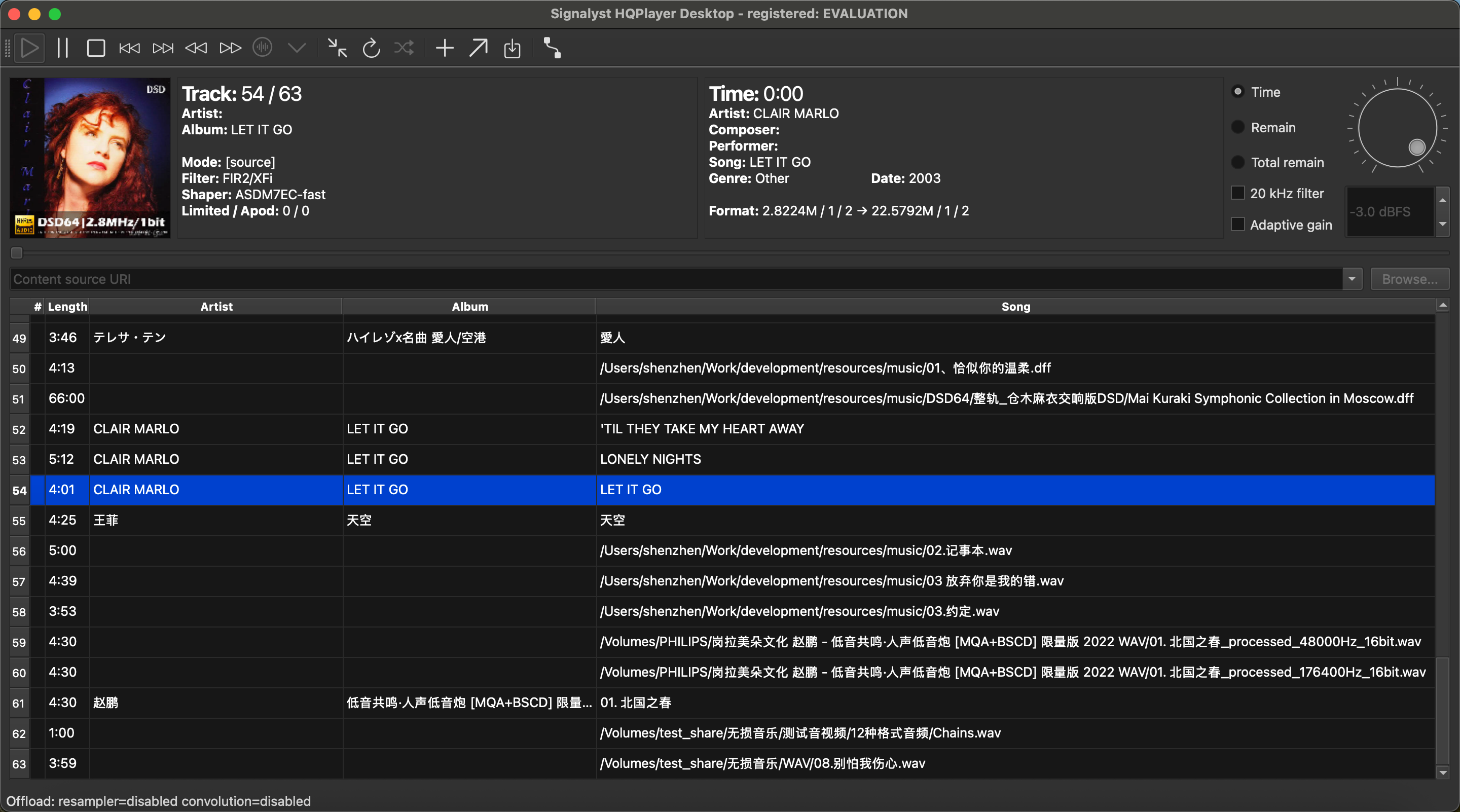
3. As shown in the figure, after configuring the HQplayer client on the computer, click on the music within the computer to start playing music.
Usage Recommendations
- Wired connection priority: Although Wi-Fi is supported, for the most stable playback at extremely high sampling rates, it is recommended to use a Gigabit wired network connection.
Advanced Usage Sharing of HQPlayer
If you are new to the combination of HQPlayer and NAA, here are some classic usage suggestions:
- The Beauty of PCM Upsampling: Try to upsample a common 44.1kHz audio source to
Upsample only to an output rate supported by your selected DMP model and current HQPlayer configuration. Do not assume 768 kHz is supported by every Kaiboer DMP.
- DSD output: choose an HQPlayer modulator suited to your computer and device. Begin with a supported rate and increase gradually; DSD512 availability depends on the DMP model, firmware, and network stability.
- NAA machine-line separation: placing the HQPlayer computer away from the audio rack can help reduce audible fan noise, vibration, and nearby electrical noise.
- Select filters based on music style:
- Symphony / Large Dynamics: Recommended sinc-L, providing a grand sense of space.
- Vocals/Small Ensemble: Recommended poly-sinc-xtr-lp or gauss-xl, with sweet and infectious sound.
May this set of combination take you across the boundaries between the digital and the real, immersing you in the pure ocean of music.
Salute
Pay tribute to the master of digital audio, Jussi Laako
We would like to express our highest respect to Jussi Laako, the soul figure of HQPlayer and a Finnish audio master.
Jussi Laako, with his profound mathematical foundation and almost obsessive pursuit of sound quality, has developed industry-leading resampling filters and noise shaping algorithms. The NAA (Network Audio Adapter) protocol he created has completely transformed the way PC high-fidelity audio is connected—leaving the heavy computational load on the remote computer and allowing the lightweight, pure terminal to only be responsible for precise clock output. Thanks to his contributions, we can experience the texture close to that of analog recording master tapes on ordinary hardware.