Manual contents
4. Collection App
On this page
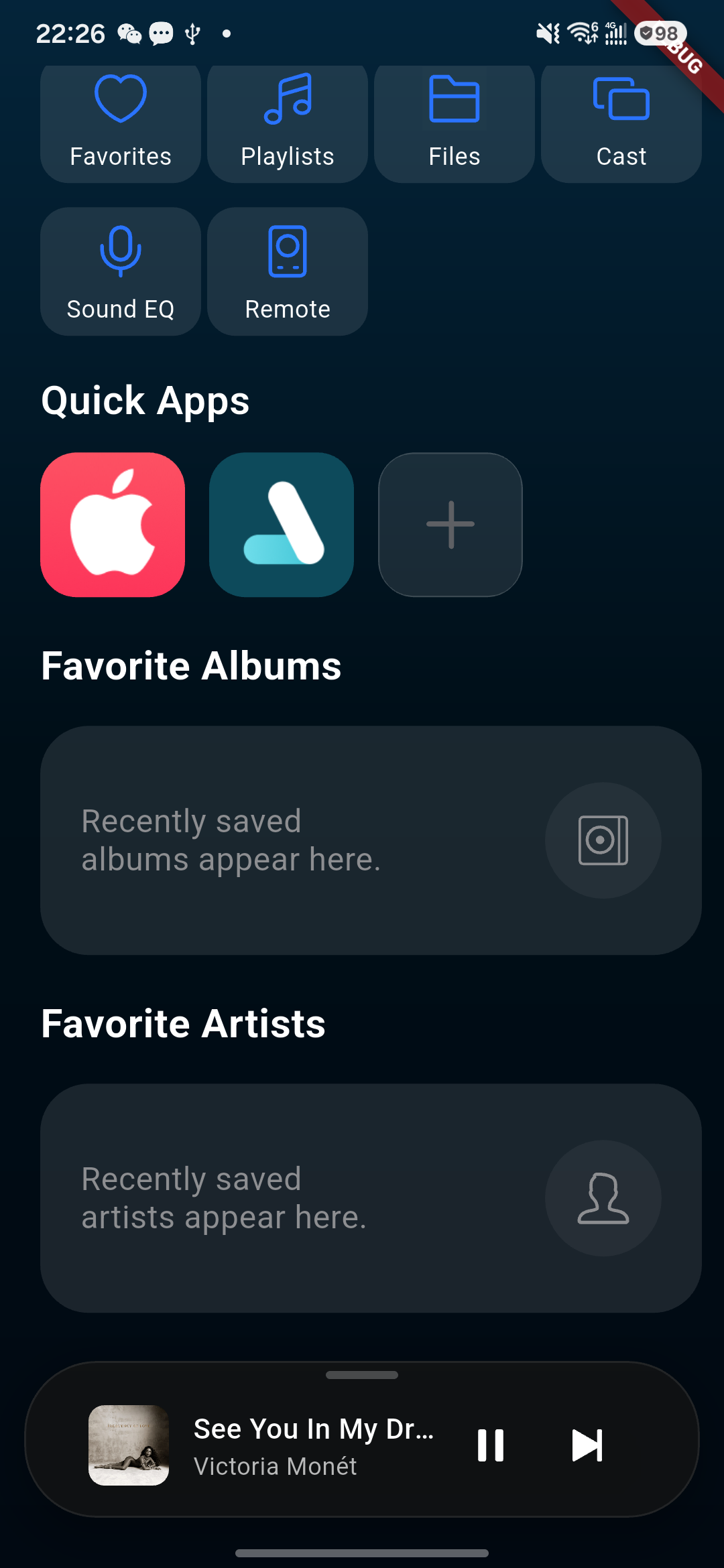
Local, Recently Played & Streaming — All in One
01 | One Entry, All Your Music
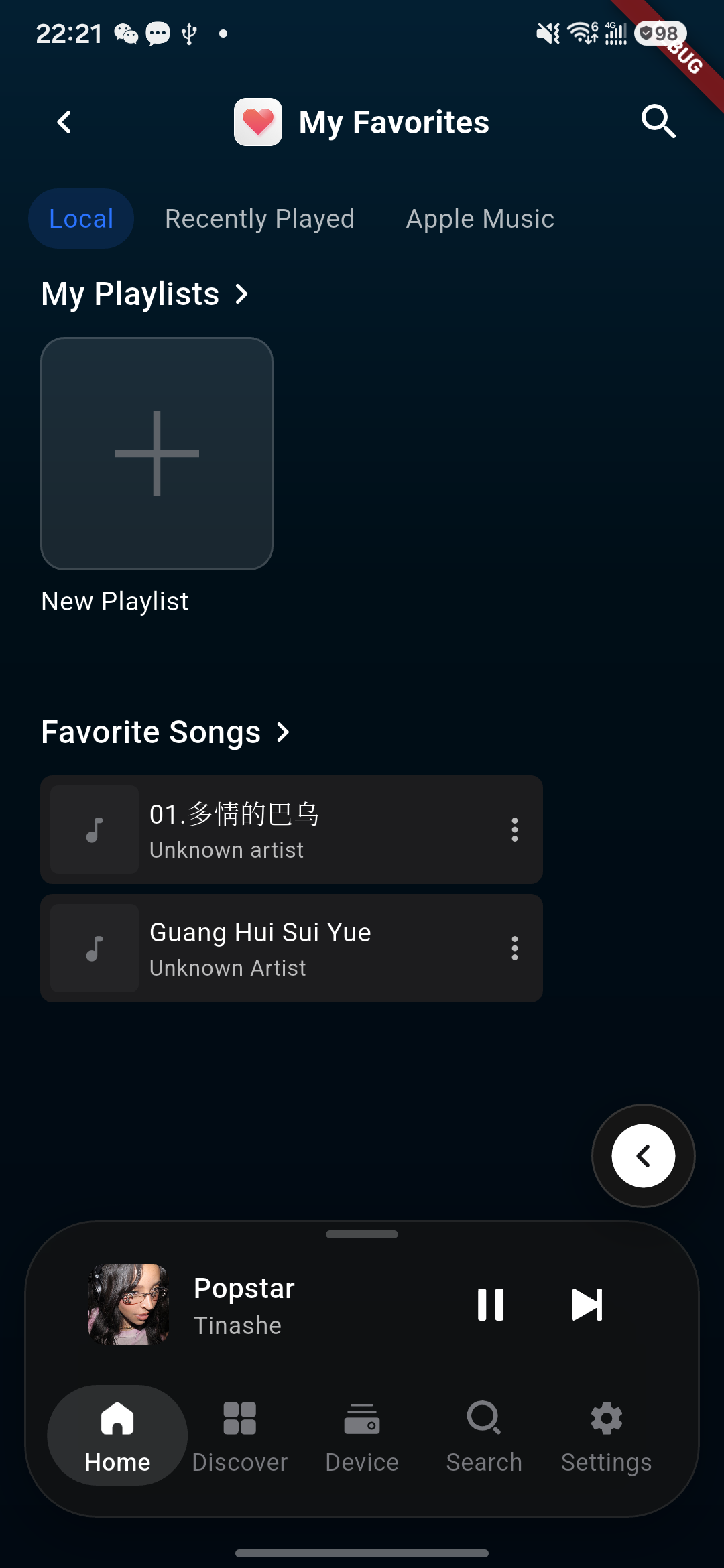
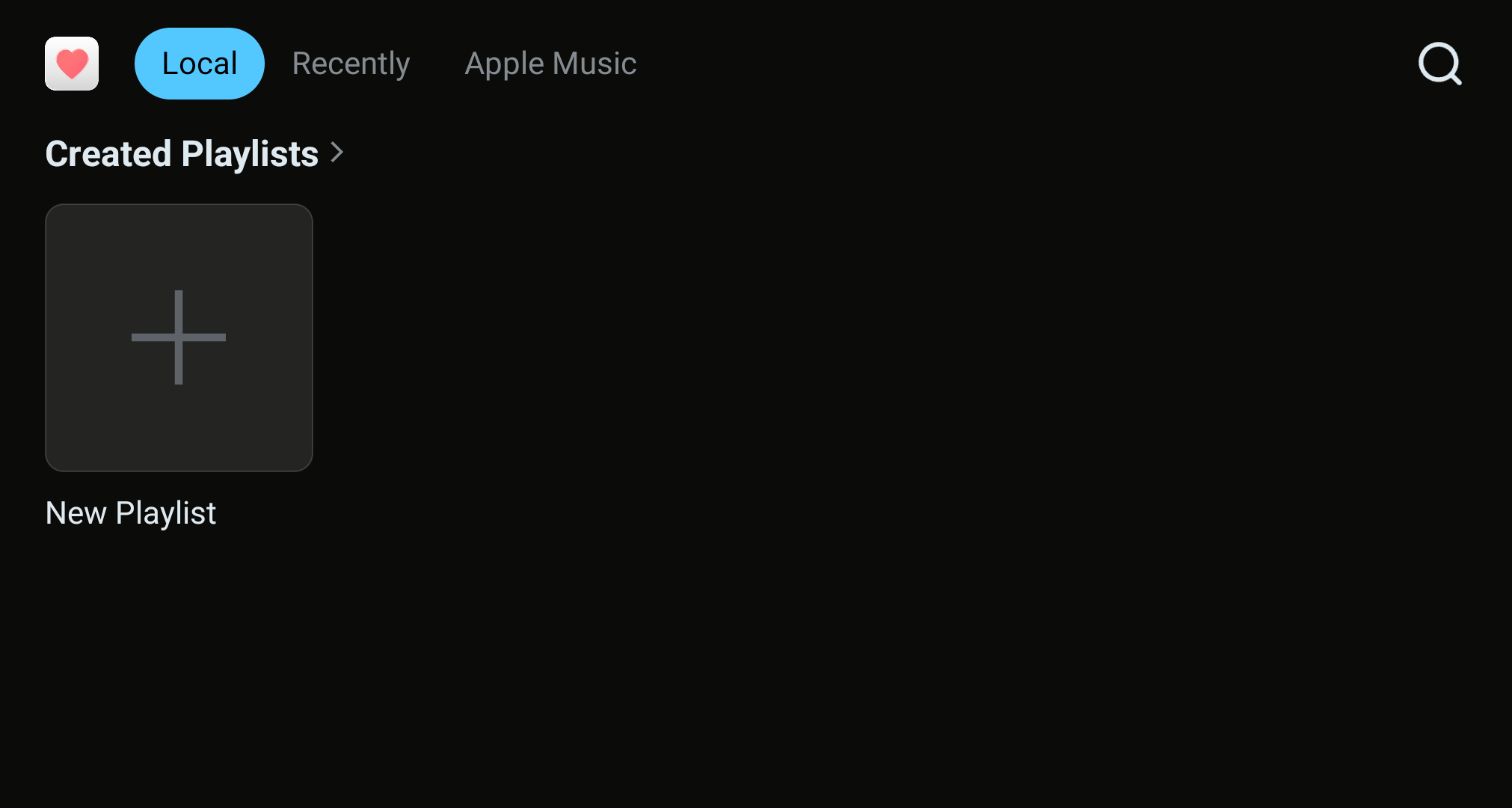
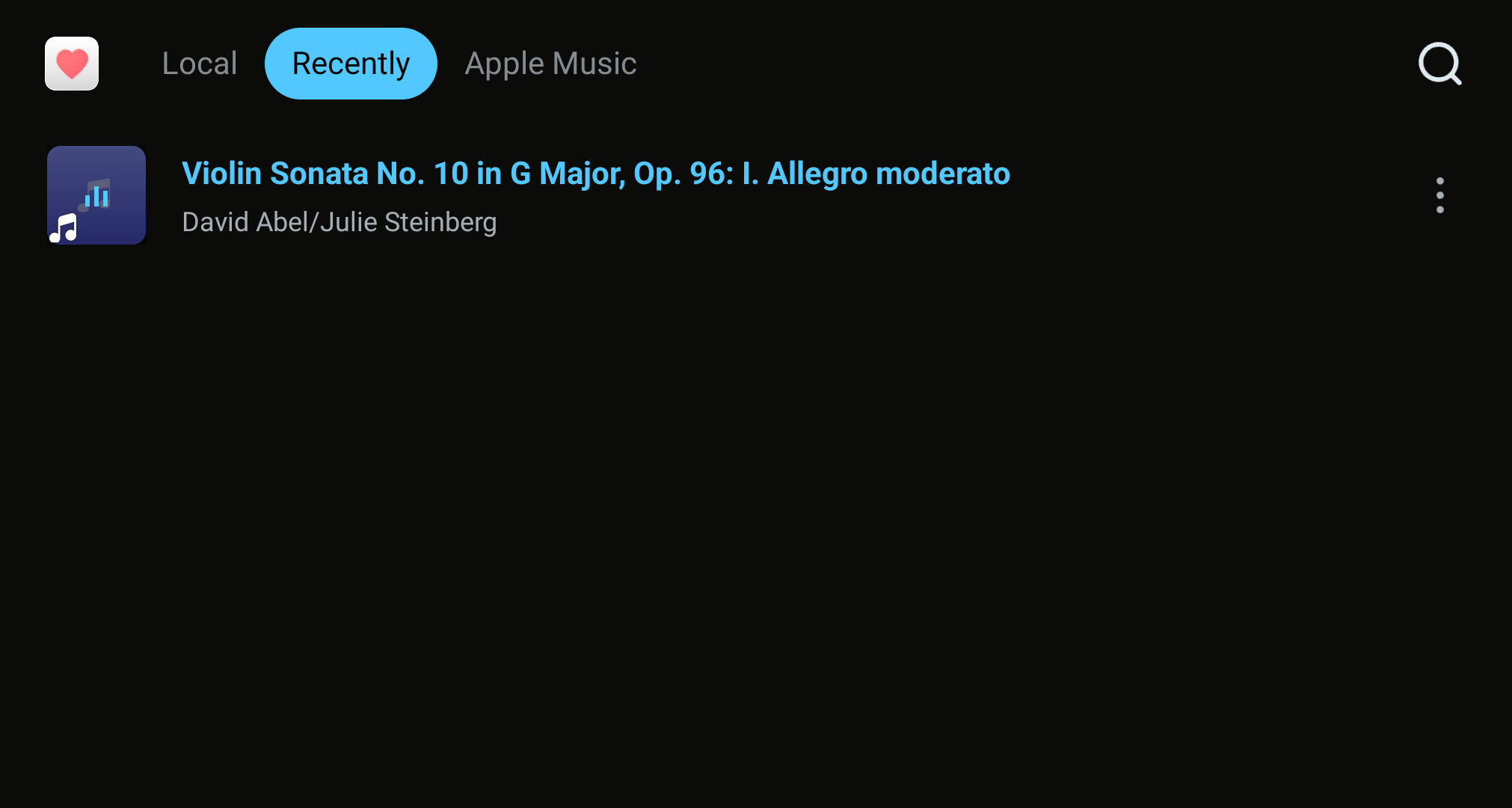
Collection brings together local music, recently played items, and available streaming content. Use the tabs at the top of the page to switch between sources.
- Local Music: View local playlists and favorited singles.
- Recently Played: Quickly retrieve music played recently.
- Streaming Music: Browse content from each platform in one place.
02 | My Playlists: Organize Your Favorites
With "My Playlists" you can create and manage personalized playlists, making your collected music easier to categorize, find, and continue playing.
Create a playlist
Tap "New Playlist" and create a dedicated playlist based on music style, scene, or personal preference.
Manage playlists
Use the "More" menu to rename, delete, and otherwise manage playlists, keeping the playlist structure clear.
Add songs
In a song's "More" menu, select "Add to Playlist" to quickly categorize and organize your favorite music.
Find music → Tap Favorite or More → Add to Playlist → Continue playing from "My Playlists"
03 | Phone Remote Control: Music in Your Hand
First connect the phone to the player in Kaiboer Home; see 6. Kaiboer Home App Guide. After connection, you can browse local music, recently played items, and available streaming content; switch tracks; pause playback; and manage "My Playlists" from the phone while the player handles audio playback.