Manual contents
5.2 Settings – Hi-Res Upsampling Engine (Kaiboer Hi-Res Engine)
On this page
The Hi-Res Upsampling Engine can apply real-time PCM upsampling or DSD processing before digital audio playback. It offers Direct Bypass (Off), PCM High-Precision Upsampling, and DSD Real-Time Remastering; only one mode is active at a time. Audible results and output compatibility depend on the source, selected mode, and complete playback chain.
1. Feature Entry
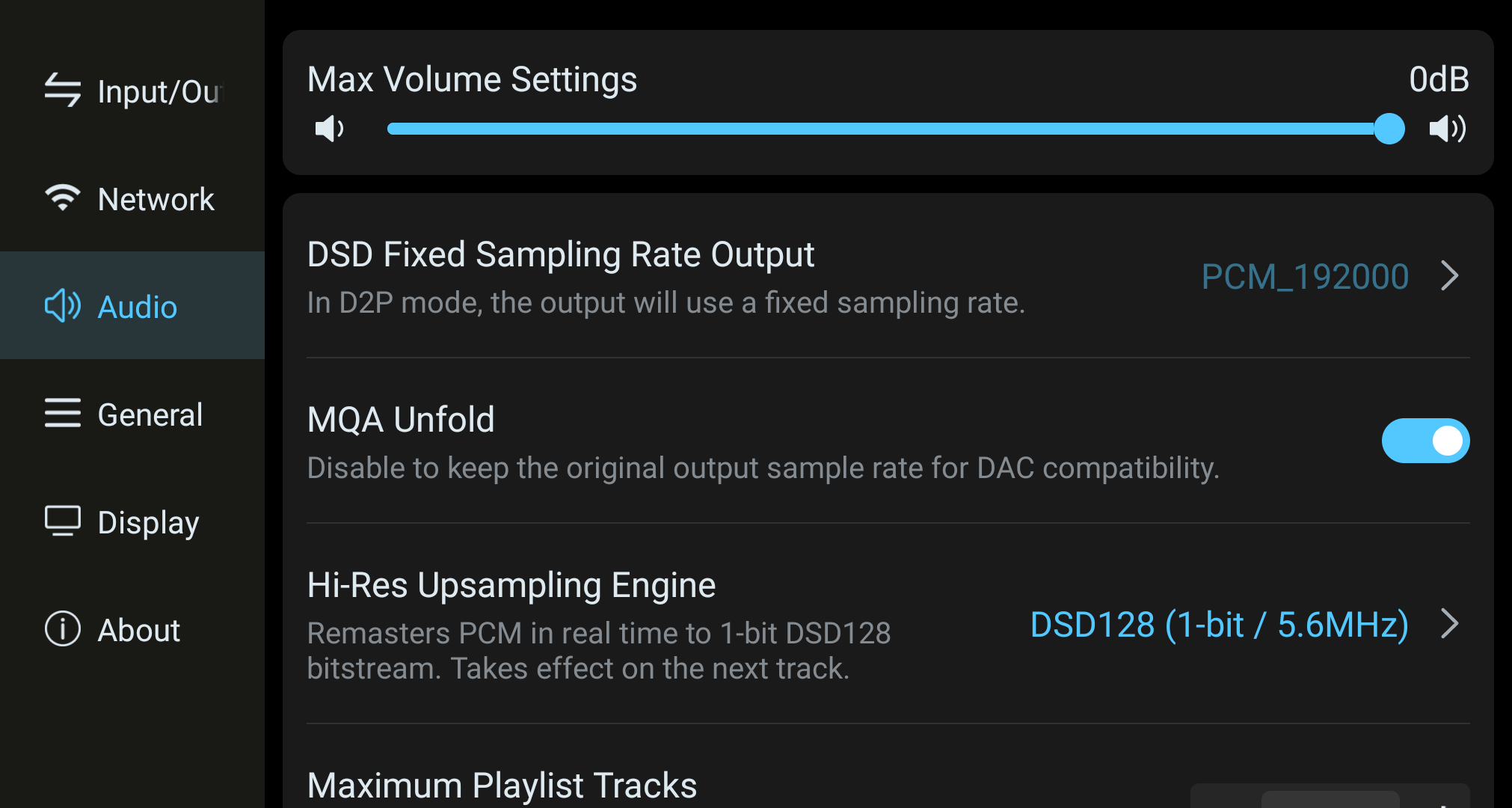
- Open the device's Settings app, and select Audio in the left menu (added after V1.5.33).
- On the audio settings page, find the Hi-Res Upsampling Engine item; its current working status is shown on the right (e.g., DSD128 (1-bit / 5.6MHz)).
- Tap that item to enter the upsampling settings page.
2. Processing Modes
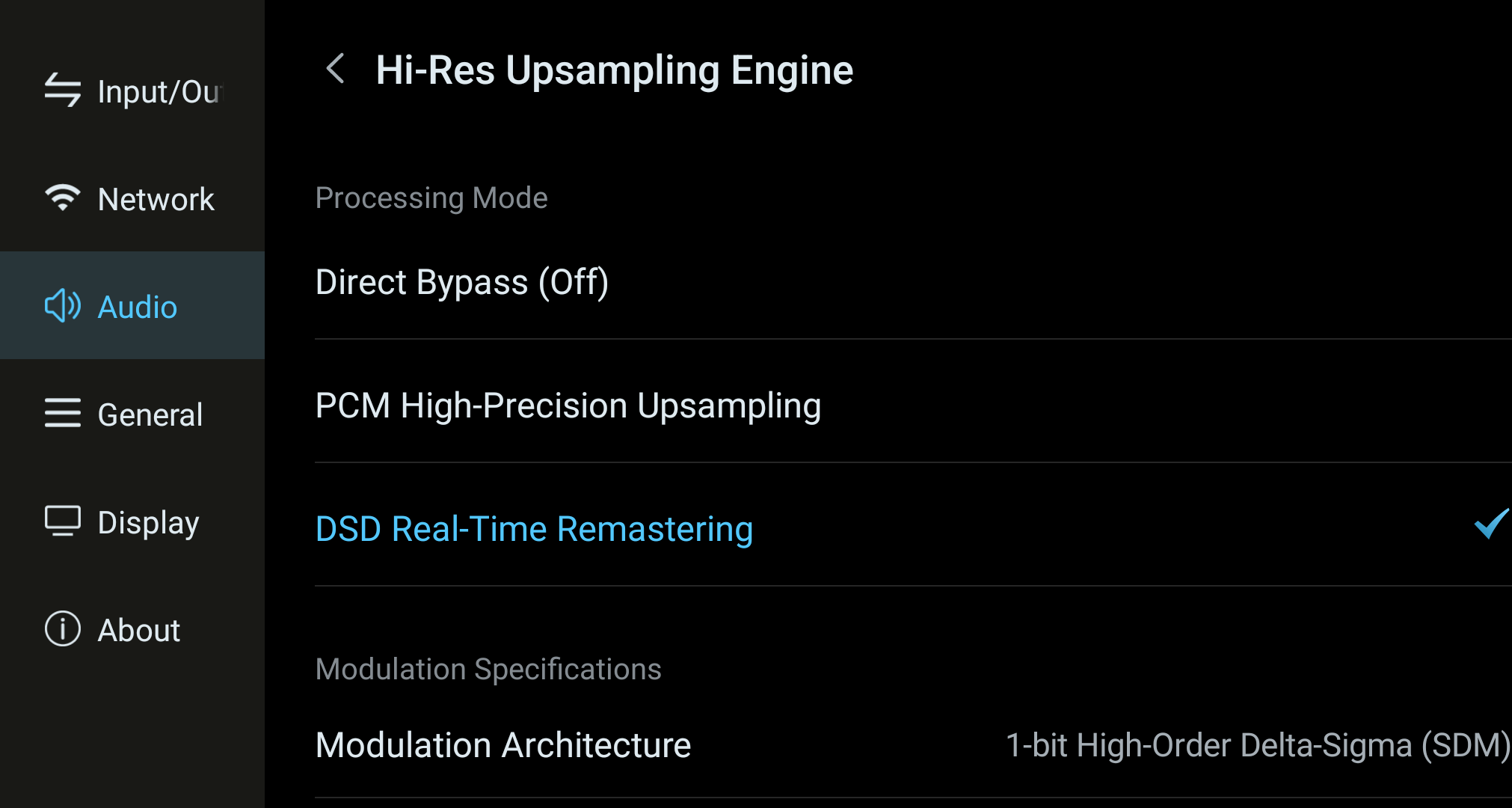
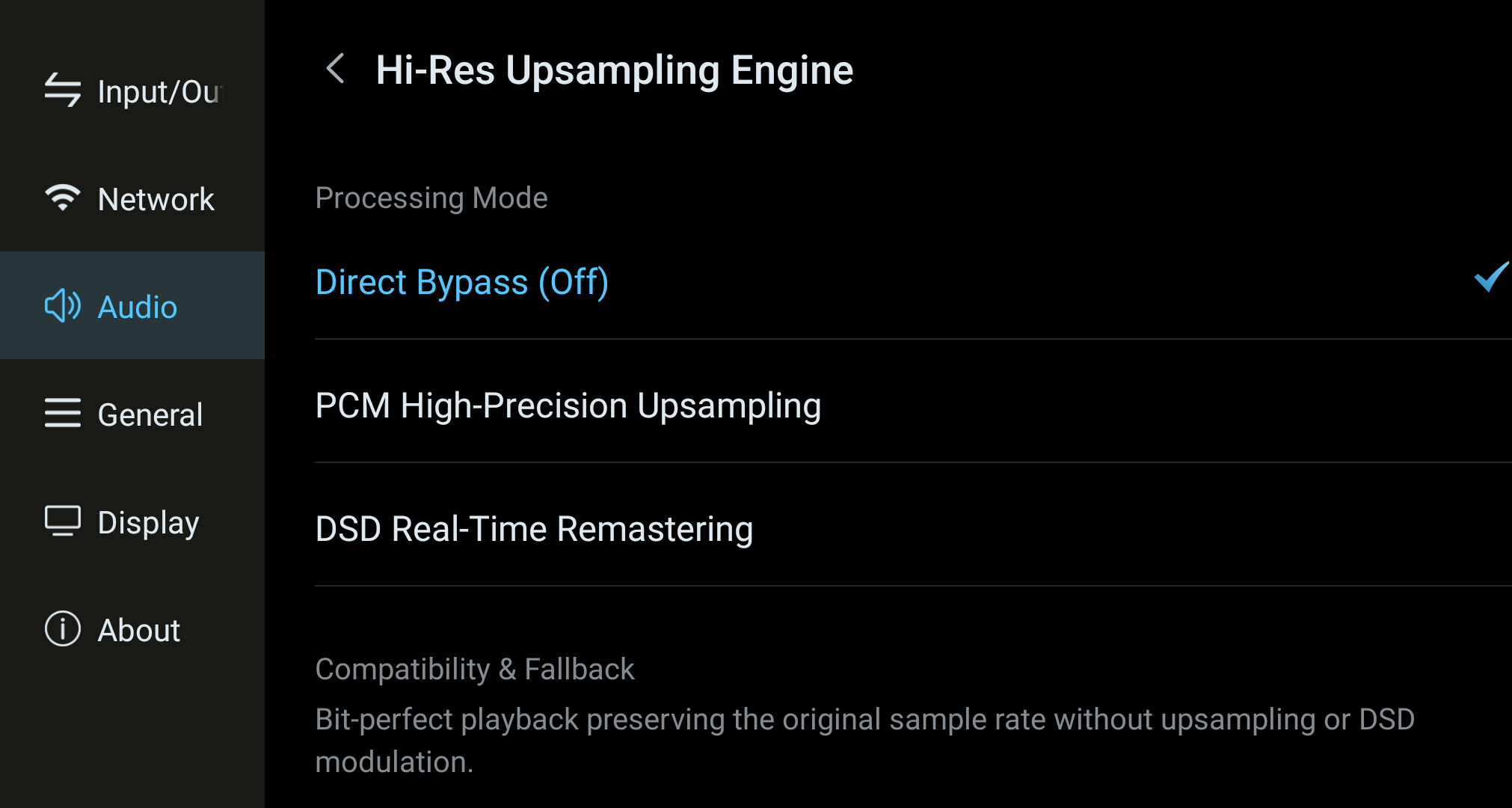
At the top of the upsampling settings page is Processing Mode. Select one of the three options; the selected mode shows a blue check mark.
1. Direct Bypass (Off)
Keeps the source sampling rate and does not request PCM upsampling or DSD processing. It can be useful when an external DAC or downstream component handles processing. Bit-perfect output depends on the complete signal chain and on whether any active processing is enabled. This is the factory-default state in the documented reference build.
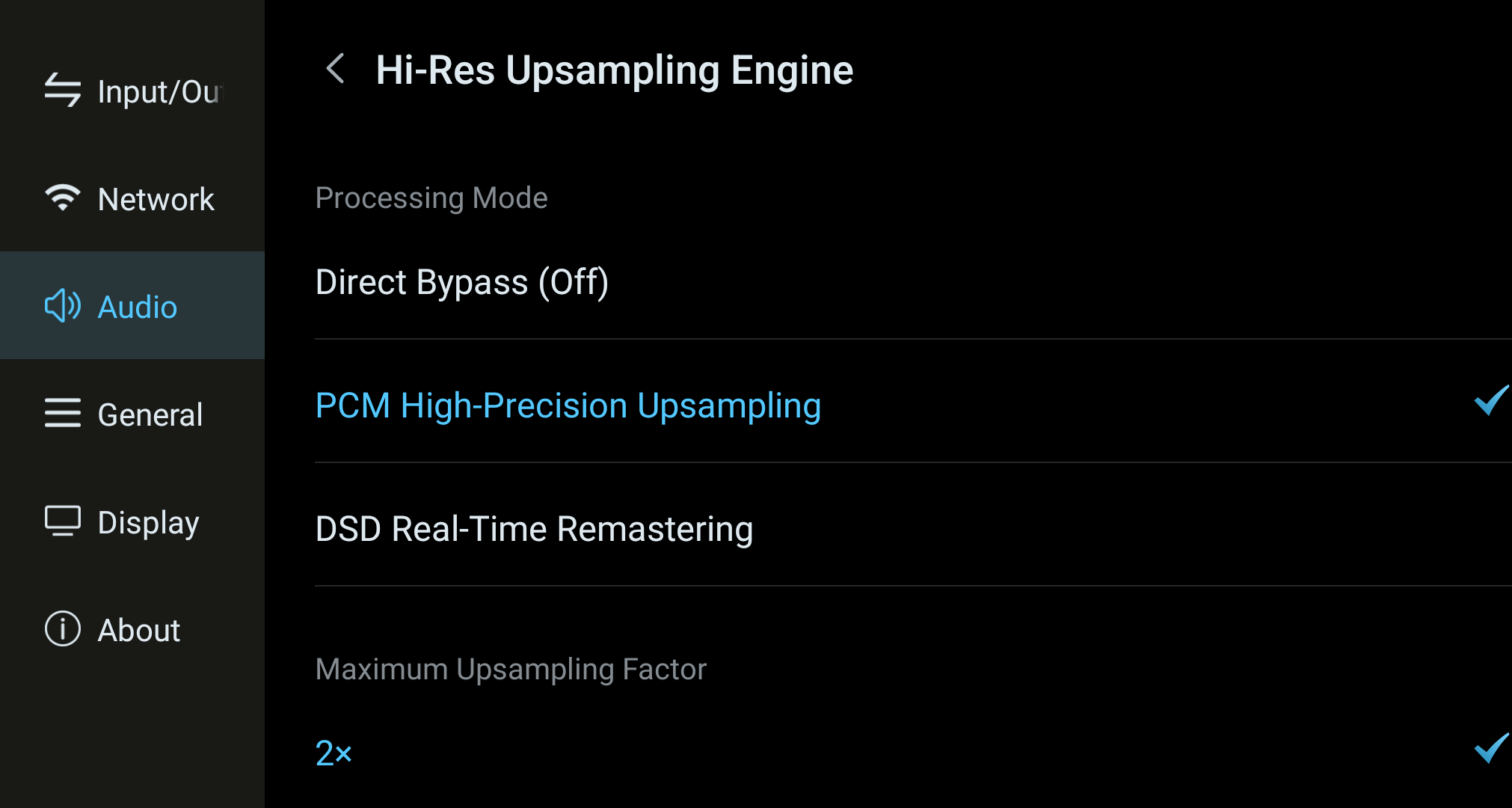
2. PCM High-Precision Upsampling
Real-time interpolation upsamples the PCM source to a higher sampling rate before output. You can further set the following two parameters:
- Maximum Upsampling Factor: 2× / 4× / 8×, relative to the source sampling rate and subject to output compatibility.
- Upsampling Algorithm: Kaiser / Blackman-Nuttall — two window functions with different sonic characters.
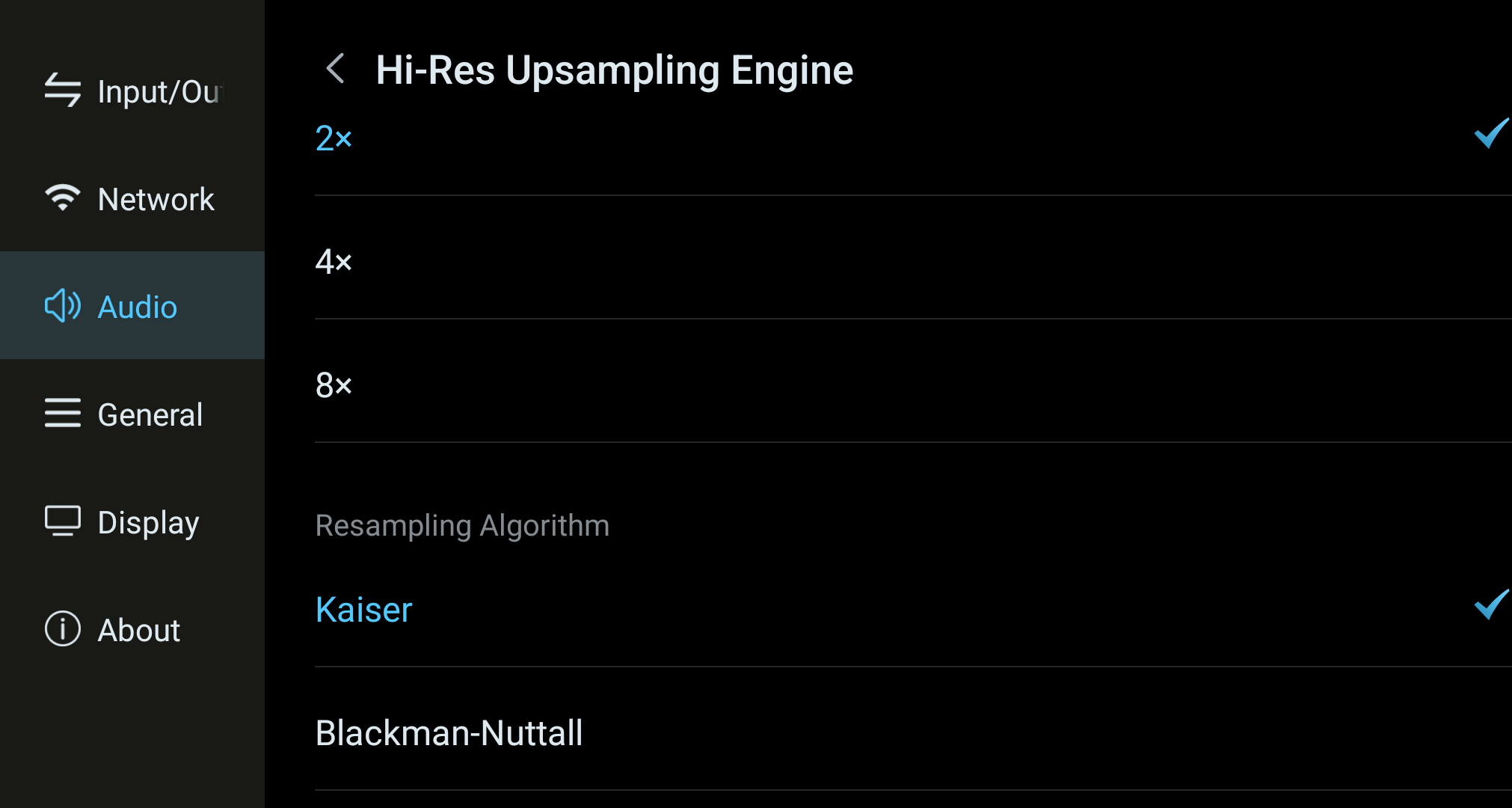
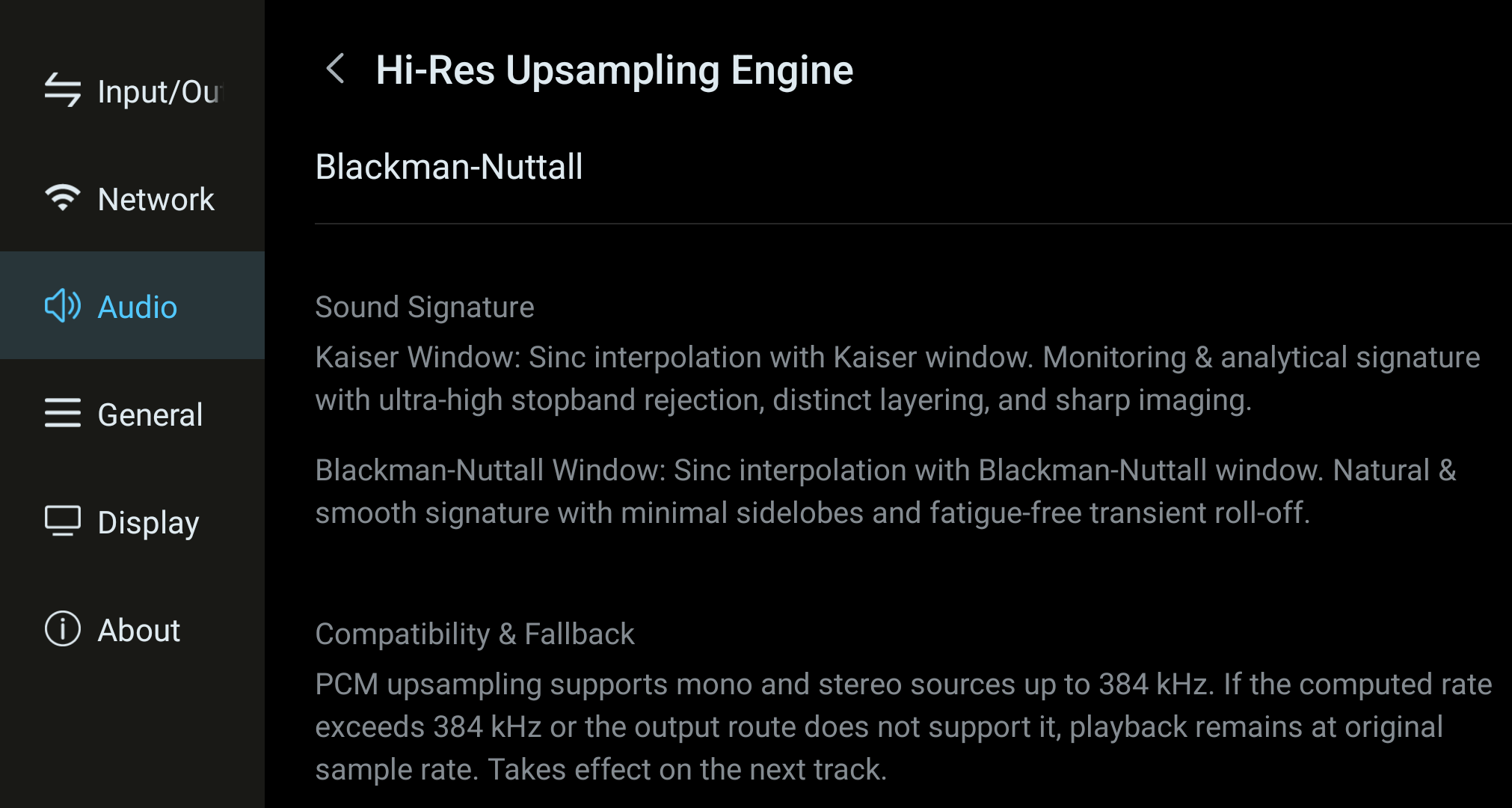
The sonic differences between the two algorithms are as follows; choose based on personal taste and the quality of the downstream equipment:
- Kaiser window: uses a high-order sinc interpolation filter. A monitoring/analytical character, with extremely high out-of-band stopband rejection, clear layering across the full frequency range, and sharp, precise micro-dynamics and imaging.
- Blackman-Nuttall window: uses a high-order sinc interpolation filter. A natural, smooth character, with ultra-low sidelobe leakage and a rounded, listenable high-frequency transition.
3. DSD Real-Time Remastering
DSD Real-Time Remastering processes eligible PCM sources into 1-bit DSD128 output. Once selected, the page shows the current modulation specification:
- Modulation Architecture: 1-bit high-order Delta-Sigma modulator (SDM).
- Target Bitstream Rate: DSD128, using the compatible 44.1 kHz or 48 kHz rate family.
- Transport Protocol: Native DSD / DoP Adaptive Direct, depending on the supported output route and connected decoder.
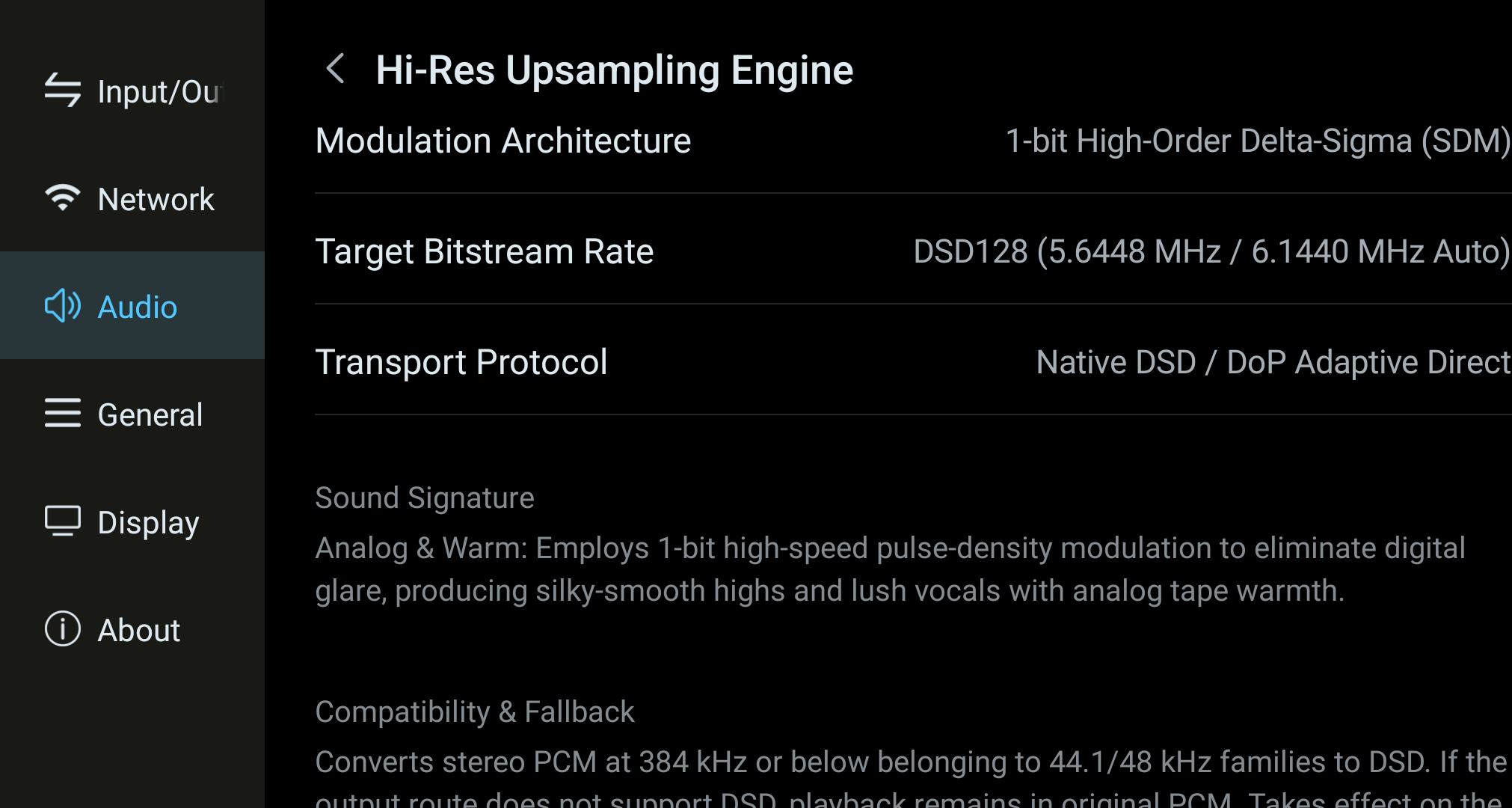
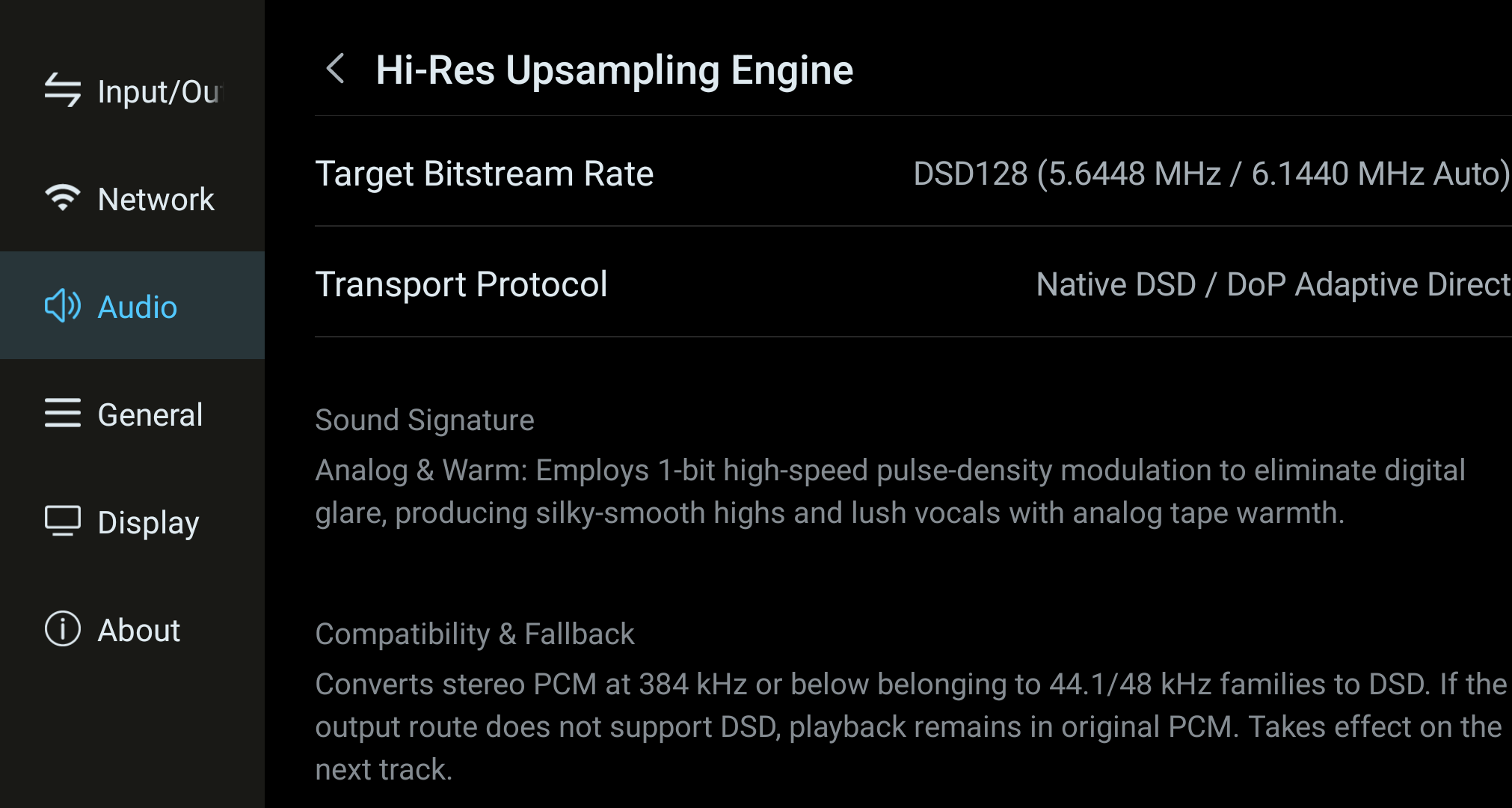
Sound character: DSD Real-Time Remastering uses 1-bit pulse-density processing. Its audible character can vary with the source, DAC, and rest of the playback chain; compare familiar tracks and choose the setting you prefer.
3. Activation Conditions and Compatibility
- Takes effect on track change: all three modes are applied after switching tracks; the currently playing track will not change immediately.
- DSD Real-Time Remastering: supports stereo PCM sources at 384 kHz and below in the 44.1/48 kHz families. If the current output channel does not support DSD, the system keeps the original PCM output.
- Confirming the actual effect: you can check the current output sampling rate and format on the playback page to confirm whether upsampling has taken effect.
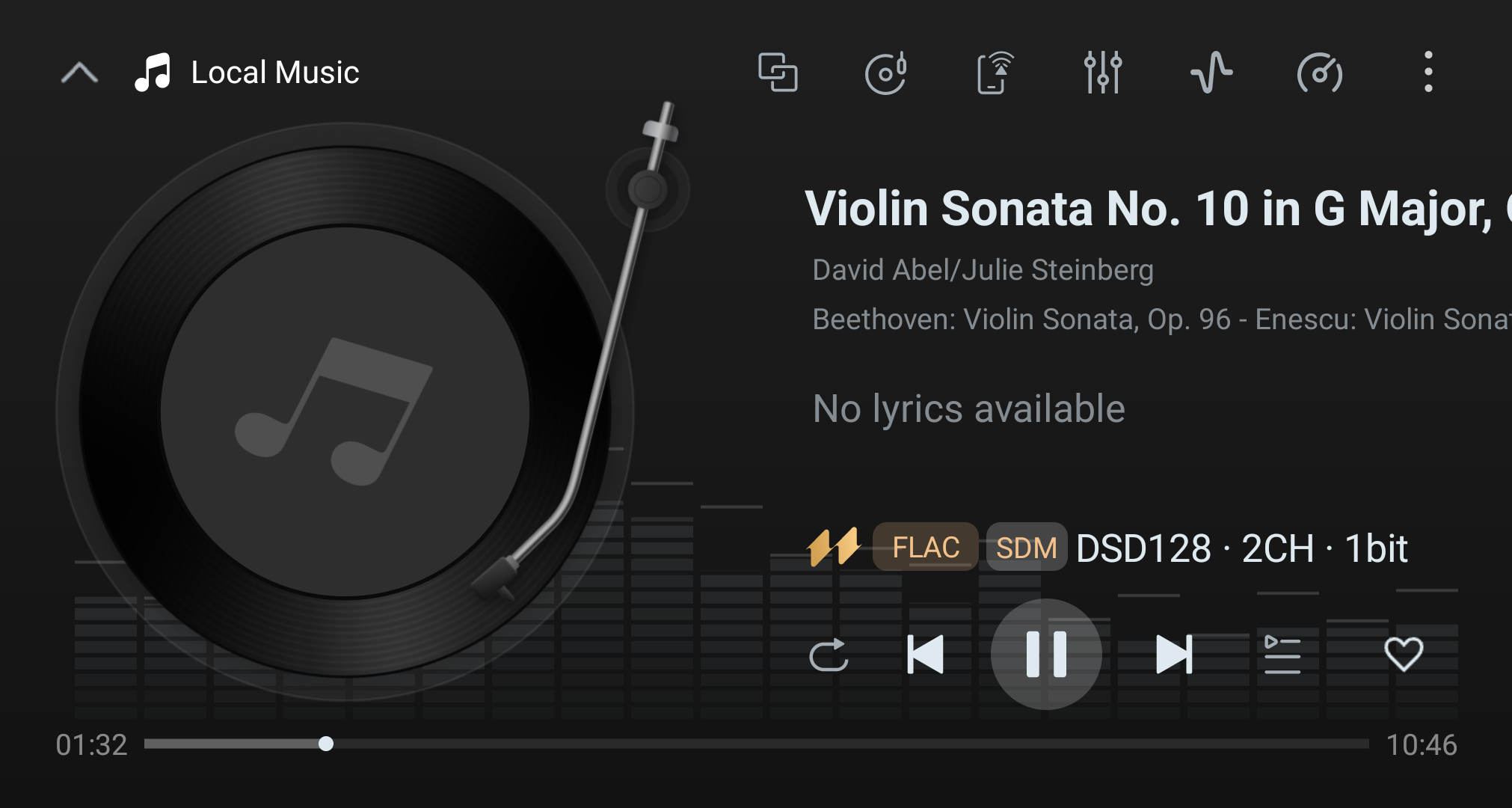
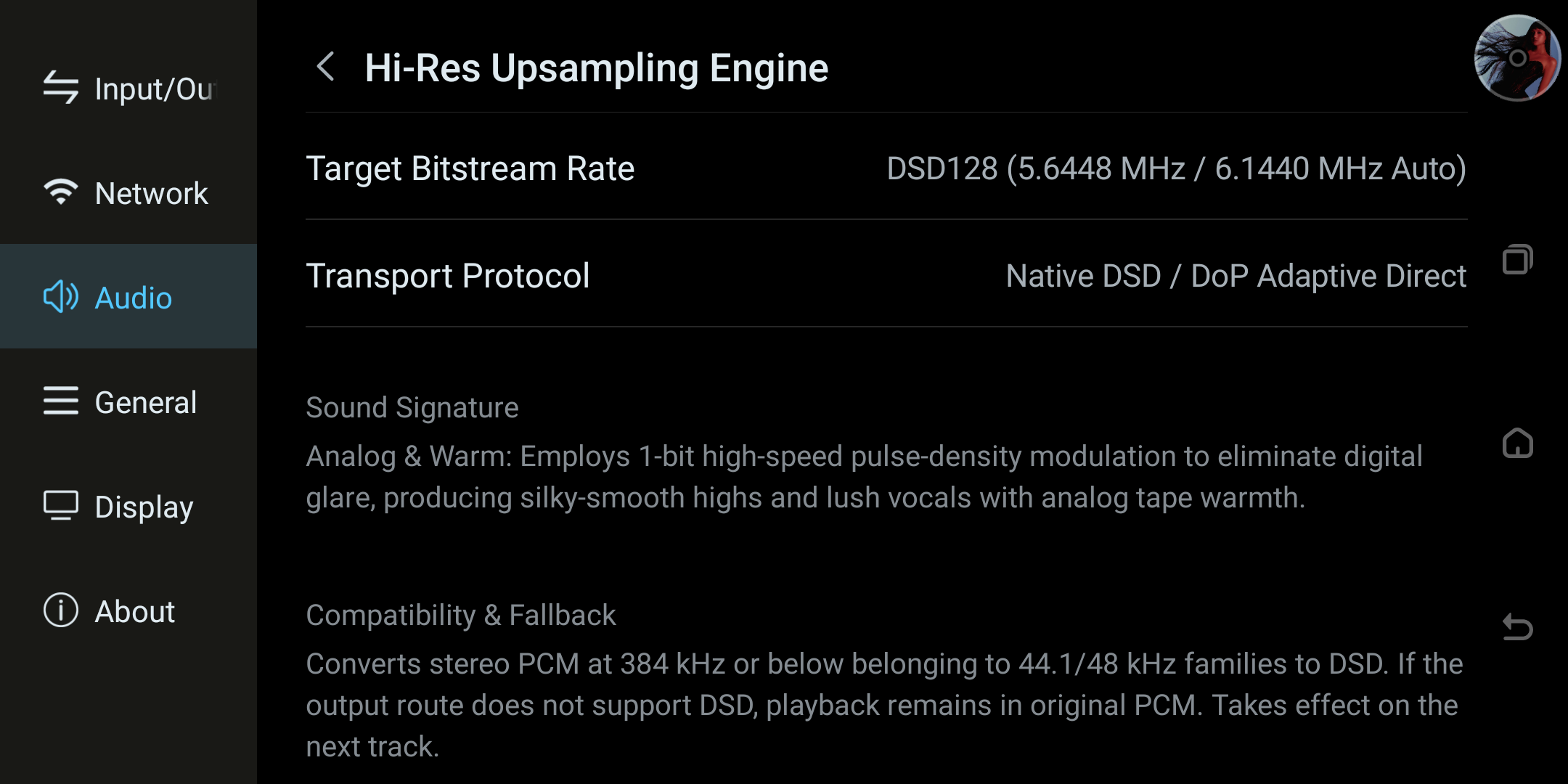
Current settings reference: this Compatibility & Fallback section documents the active configuration without switching the processing mode. Confirm the output format on the playback page after making any change.
4. FAQ
Q1: I switched modes, but the currently playing song sounds unchanged?
This is normal. All three modes take effect after a track change — please switch to the next track and listen again.
Q2: I selected a higher upsampling ratio, but the actual output didn't double?
It means the upsampled sampling rate exceeded 384 kHz, or the current output device does not support that sampling rate. In this case the system automatically keeps the original sampling rate for passthrough playback to ensure normal sound output.
Q3: After selecting DSD real-time re-modulation, the sound is still PCM?
DSD Real-Time Remastering works with stereo PCM sources at 384 kHz and below in the 44.1/48 kHz families. If the source is out of range, or the current output channel does not support Native DSD / DoP, the system keeps the original PCM output.
Tip: Upsampling is a "nice-to-have" processing approach; the audible difference depends on the quality of the downstream DAC, headphones, or speakers. It is recommended to repeatedly compare familiar tracks across different modes before settling on the one that suits you best.