Manual contents
Kaiboer Home Update Log
On this page
V1.3.6 (2026-11-13)
[New Features]
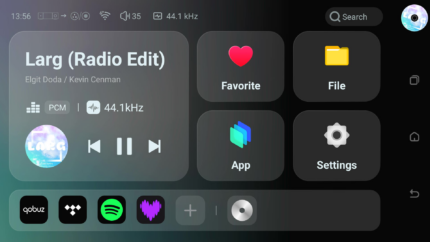
- Added Simple Mode: Enlarges common function entries for a cleaner interface; automatically restores original layout upon exit
- Added "Source Folder" Entry: Quickly locate the folder where the music file resides directly from the track details page
- Added Player Expand Animation: Smoother transition and natural visual animation when opening the player
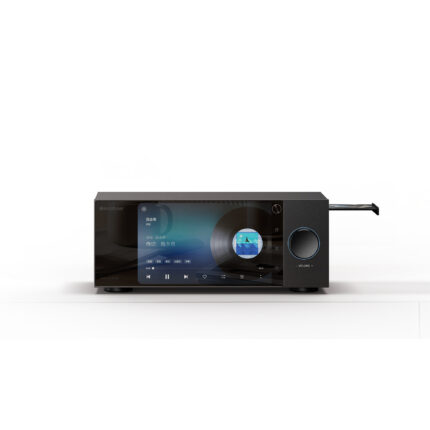
- Added Two Artistic Lyric Styles: "Vinyl Record" and "Dynamic Ripple", switchable according to preference
- CD Interface Song Info Editing: Directly edit track metadata on the mobile CD interface
- Added WOL (Wake-on-LAN): Remotely wake up standby devices from within the app when the device is wired via Ethernet
- Optimized Screen Mirroring: Added "Smooth Screen Mirroring Mode" to improve frame rate and responsiveness for smoother operation
[Experience Improvements]
- Reduced App Package Size: Optimized home layout and screensaver categories, improving large-screen and multilingual display
- Optimized Device Connection: Improved device discovery and auto-reconnection logic
[Bug Fixes]
- Fixed known issues including player display, touch gestures, CD recognition, and QR code scanning
⚠️ Important Notice: Both WOL remote wake-up and Smooth Screen Mirroring mode require the upcoming device firmware update scheduled for release later this month.
V1.3.5 (2026-10-29)
[New Features]
- Local library batch actions: batch favorite, create, and add to playlists, plus long-press shortcut operations for albums and artists
- Added K-Link file browsing and music playback support
- Added selectable player interface and VU meter styles, optimized fullscreen controls and iPad layout
[Experience Improvements]
- Enhanced room correction workflow with USB calibration mic file import and improved measurement stability
- Enhanced DSD format display, audio quality badges, and audio metadata presentation
- Improved playlist scrolling loading, Wi-Fi reconnection recovery, iOS launch, and multilingual experience
[Bug Fixes]
- Fixed incomplete display of long playlists and track playback positioning issues
- Fixed known issues with multilingual display and UI elements
V1.3.3 (2026-10-13)
[Bug Fixes]
- Fixed abnormal display issue on the search screen introduced in V1.3.2
V1.3.2
[New Features]
- Enhanced Spotify Search: Search tracks directly within the app and seamlessly invoke device-side Spotify playback
- Added 'Play Next' queue ordering for better playback control
- DSD/PCM audio upsampling support for improved audio quality
- Local library now supports folder hierarchy browsing and format filtering
- Enhanced album detail management
- Tablet landscape mode support
- Screen-off background playback
- Vintage clock screensaver
[Experience Improvements]
- Improved large library loading speed
- Enhanced device connection synchronization stability
[Bug Fixes]
- Fixed various known issues
V1.3.2 Version Update (2026.10.12)
[New Features]
- Enhanced Spotify Search: Search tracks directly within the app and seamlessly invoke device-side Spotify playback.
- Play Next: Insert selected tracks into the next position of the playback queue.
- Audio Upsampling: One-tap upsampling for DSD/PCM audio rates.
- Local Library Browsing Upgrade: Supports hierarchical folder browsing, multiple sorting options, and audio format filtering (FLAC, DSD, WAV, etc.); album pages support favorites, queue addition, shuffle, and deletion.
- Screen-Off Playback & Sleep Timer: Supports background playback with screen turned off, auto-sleep standby by timer, and a retro nixie clock screensaver that adapts to system language and time.
- Tablet Landscape Mode: Optimized player controls and split-column lyrics view for tablet devices.
[Optimizations]
- Search & Playback: Categorized multi-source search with pagination; preserves playback queue without interrupting current playlist.
- Large Library Performance: Optimized loading and alphabetical indexing for large music collections.
- Player Interface: Enhanced lyrics, album art background, audio source/quality badges, and track-switch feedback.
- Sound Quality Feedback: Improved sound quality switching prompts and confirmation.
- Connection & Sync: Enhanced device name synchronization, switching, auto-reconnection, and cross-subnet discovery.
- Experience Details: Added overwrite confirmation for room correction files and removal alerts for storage devices.
[Bug Fixes]
- Fixed screen orientation issue where some devices remained in landscape after exiting casting.
- Improved page navigation, layout, and multilingual localization.
V1.2.6 Version Update
- Added physical volume key control. Adjust device volume using your phone or tablet’s volume keys during playback.
- Optimized audio output switching and status confirmation, improving compatibility and accuracy for port switching.
- Enhanced music genre classification with dynamic categories, song‑count display and pull‑to‑refresh support.
- Improved audio output information display and page scrolling experience.
V1.2.5 Version Update
- Added audio CD track browsing and playback functionality.
- Introduced File Favorites, supporting browsing and playback of favorite content from local storage, USB devices, network storage and cloud storage.
- Added 10 equalizer presets, and optimized audio signal display and theme settings.
- Optimized KuGou Music playlist management, artist‑song loading and account status synchronization.
- Improved screen‑casting compatibility, connection speed and interruption recovery capability.
- Fully optimized player layout, lyric page, animation effects and multi‑screen‑size adaptation.
- Expanded multi‑language support, and enhanced device connection, search feedback and local music playback stability.
- Fixed several known issues to improve overall user experience.
V1.2.4 Version Update
Recommended for use with device‑side version 1.3.55 or higher.
Application changes are listed below:
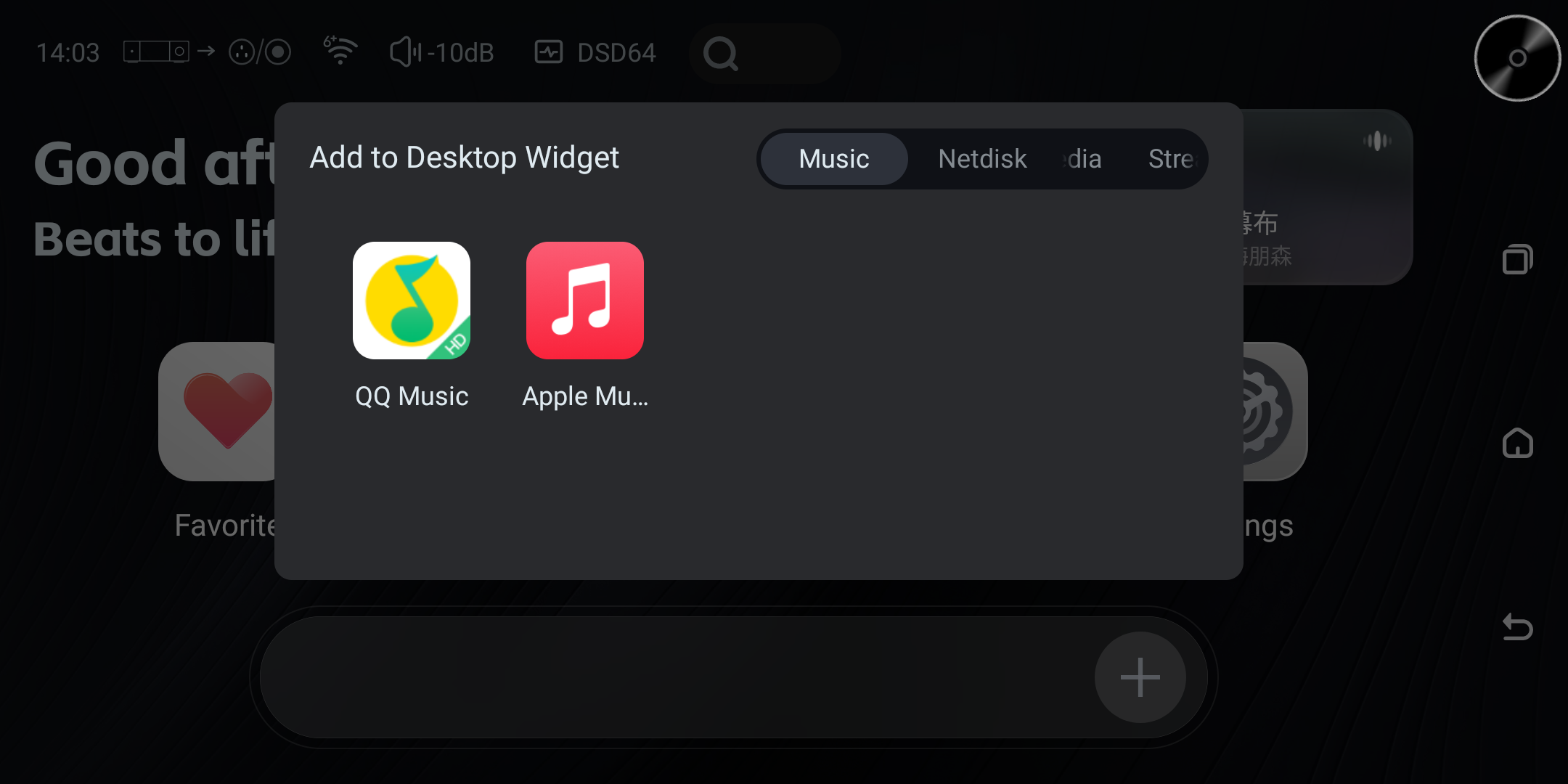
- Brand‑new home page experience, with support for custom function entrances, content sections and quick‑access apps.
- Added multi‑room audio linkage, supporting device grouping, synchronized playback and volume control.
- Added room acoustic measurement and calibration, compatible with mobile‑phone and USB microphones.
- Upgraded music favorites center for unified management of local music, recently played tracks, Apple Music.
- Support for creating local playlists, removing songs from playlists and clearing recently‑played history.
- Optimized screen casting, device discovery & connection, music loading and playback‑state synchronization.