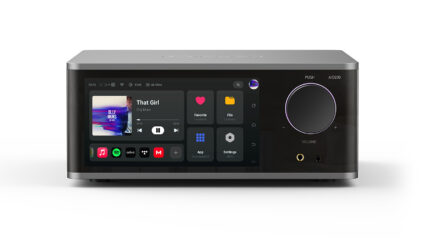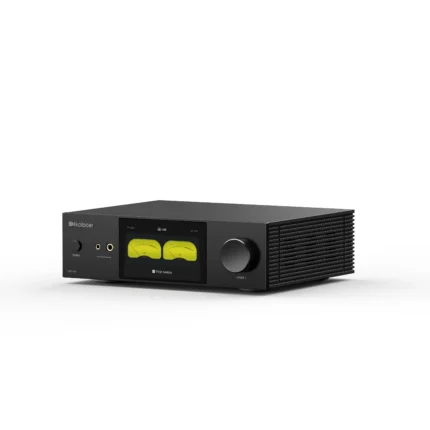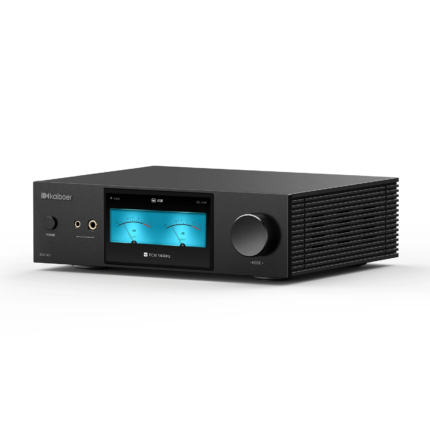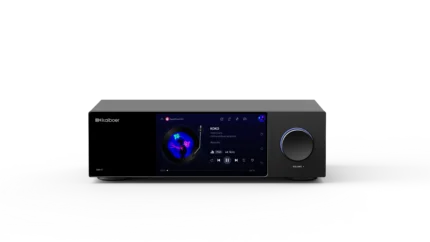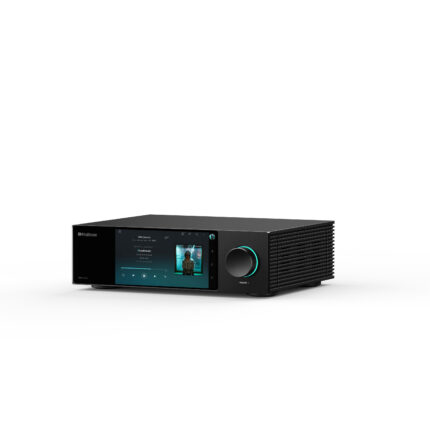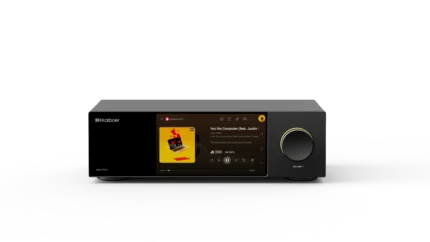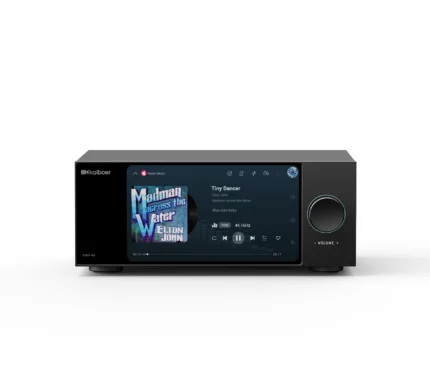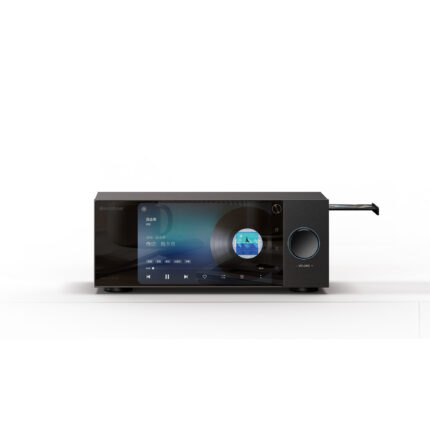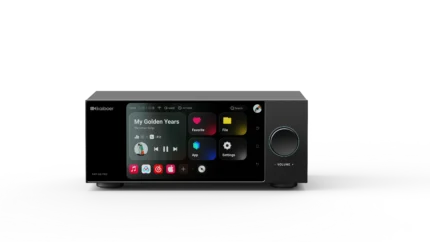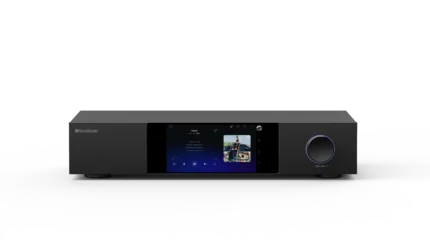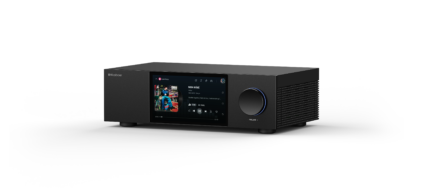
When playing a CD the DMP-K8 Pro reads the Album Title, Artist Name and Song Title. But when you select the song to Rip to one of the storage devices supported by this unit, only a Song Name is transferred to the SSD. However the song file is stored under a new file folder name, of the Album Title & Artist Name (concated in that order). Once the ripping process to the SSD is completed the song can be played from the SSD location, but the Artist Name and Album Name are no longer associated with the WAV file. You can add back this missing information by editing the song file, using the built-in menus. Doing so will restore the ability of the device to track down the proper Album Cover Image, and seek the Song lyrics too.
Note: Choosing to use the Batch Ripping option, only rips the first song of the CD album. User must hit each song to have the Song Ripped to the SSD. Also note. Choosing the default SSD file directory is only user selected by using the batch Ripping option, which opens up a popup menu that you can select the Storage device and directory to rip the songs to. This ability to direct the so g’s file location is not available if you choose to rip each file at a time, it defaults to the last Storage location used to download to.
These issues were not corrected in the latest software update (October 2026). And the latest update deleted all user song inputs (like Artist Name and Album Title) that were previously entered manually by the user, for each song WAV file.