Music Streamer, DAC or Streaming Amplifier: Which Do You Need?
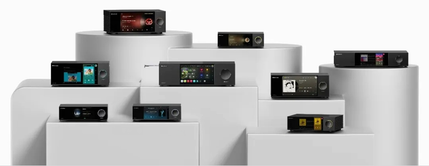
The right component depends on the Hi-Fi equipment you already own, where you keep your music and how you want to control playback. Use this guide to compare KAIBOER product categories, then check the specifications for the exact model you are considering.
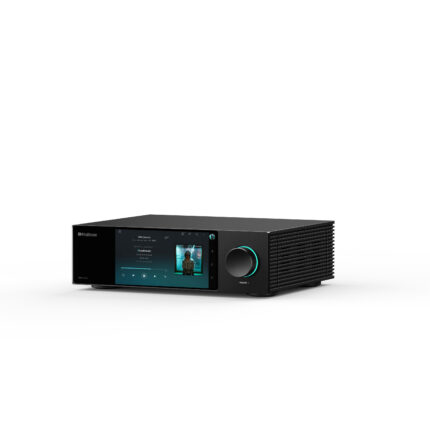
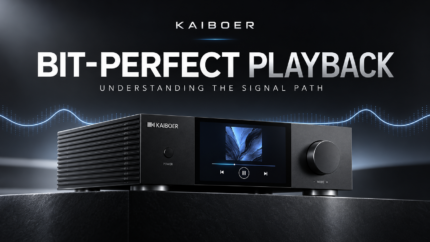
A network music transport for an existing DAC
A music transport sends digital audio to a separate digital-to-analog converter. It is a useful starting point if you already have a DAC you want to keep. Check that the transport’s output matches an input on your DAC, and compare the supported formats on that specific connection.
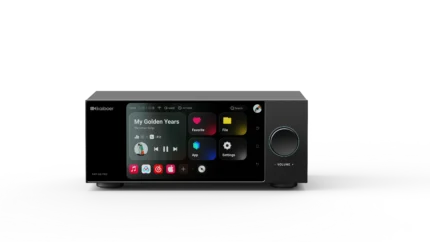
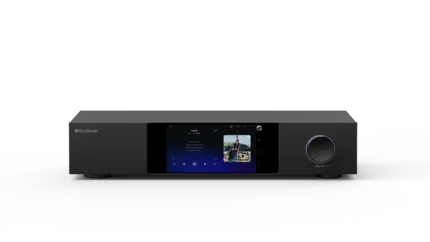
Explore the DMP-K7 network music transport and DMP-K8 transport with CD playback.
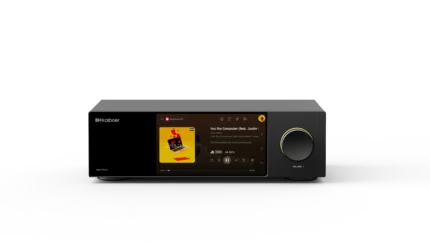
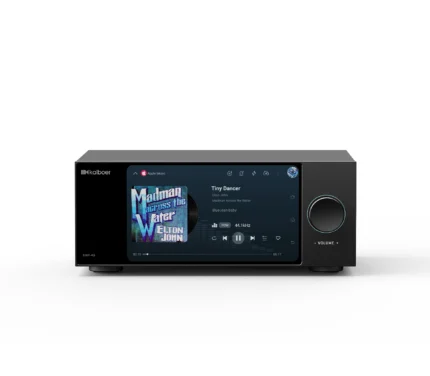
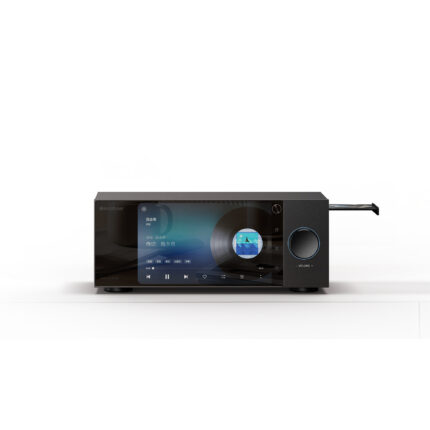
A music streamer with a built-in DAC
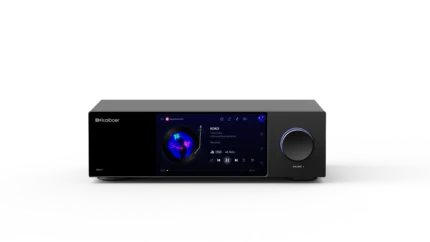
A streamer with a DAC combines music playback and digital-to-analog conversion. Its analog outputs connect to a compatible amplifier or active speakers. RCA and balanced XLR connections vary by model; check your amplifier’s inputs before choosing.
Compare the DMP-K7 PRO, DMP-K8 PRO with CD playback and ripping and DMP-K9 PRO.
A desktop DAC and headphone amplifier
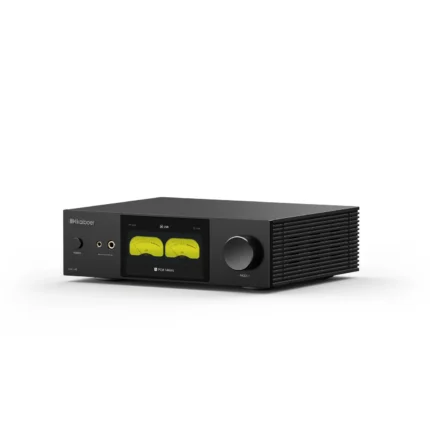
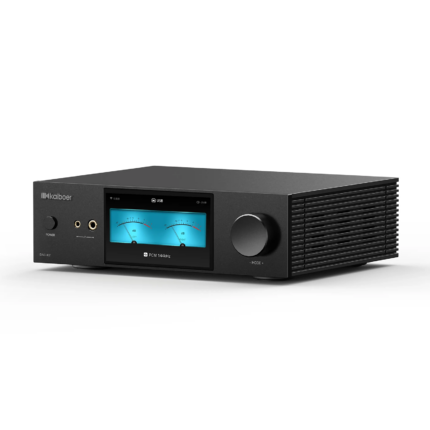
A DAC converts a digital source into an analog signal. A headphone amplifier drives headphones; a combined unit can serve both roles. Choose by the source connections you need, the headphone connection and the output requirements of the rest of your system.
Explore the DAC-K7 and DAC-A8 desktop DAC and headphone amplifiers.
An all-in-one streaming amplifier
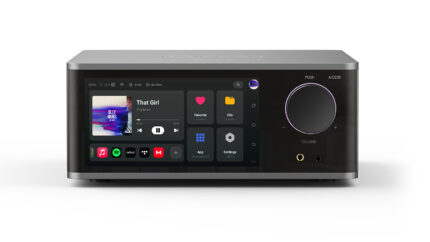
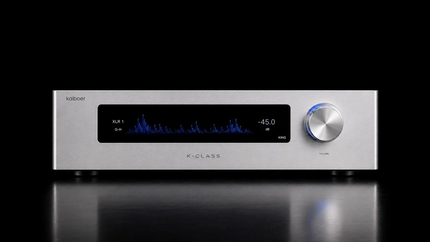
A streaming amplifier brings playback, digital-to-analog conversion and speaker amplification together. Before connecting passive speakers, check the product’s rated output, supported speaker impedance and connection instructions.
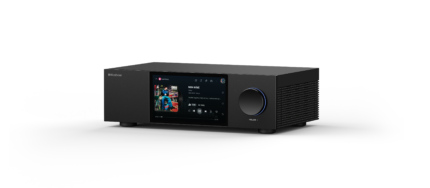
Explore the KAIBOER AIO200 all-in-one streaming amplifier.
Five checks before choosing
- Music sources: decide whether you need local files, USB storage, network shares, streaming apps or CD playback.
- Connections: match the exact input and output ports on your equipment.
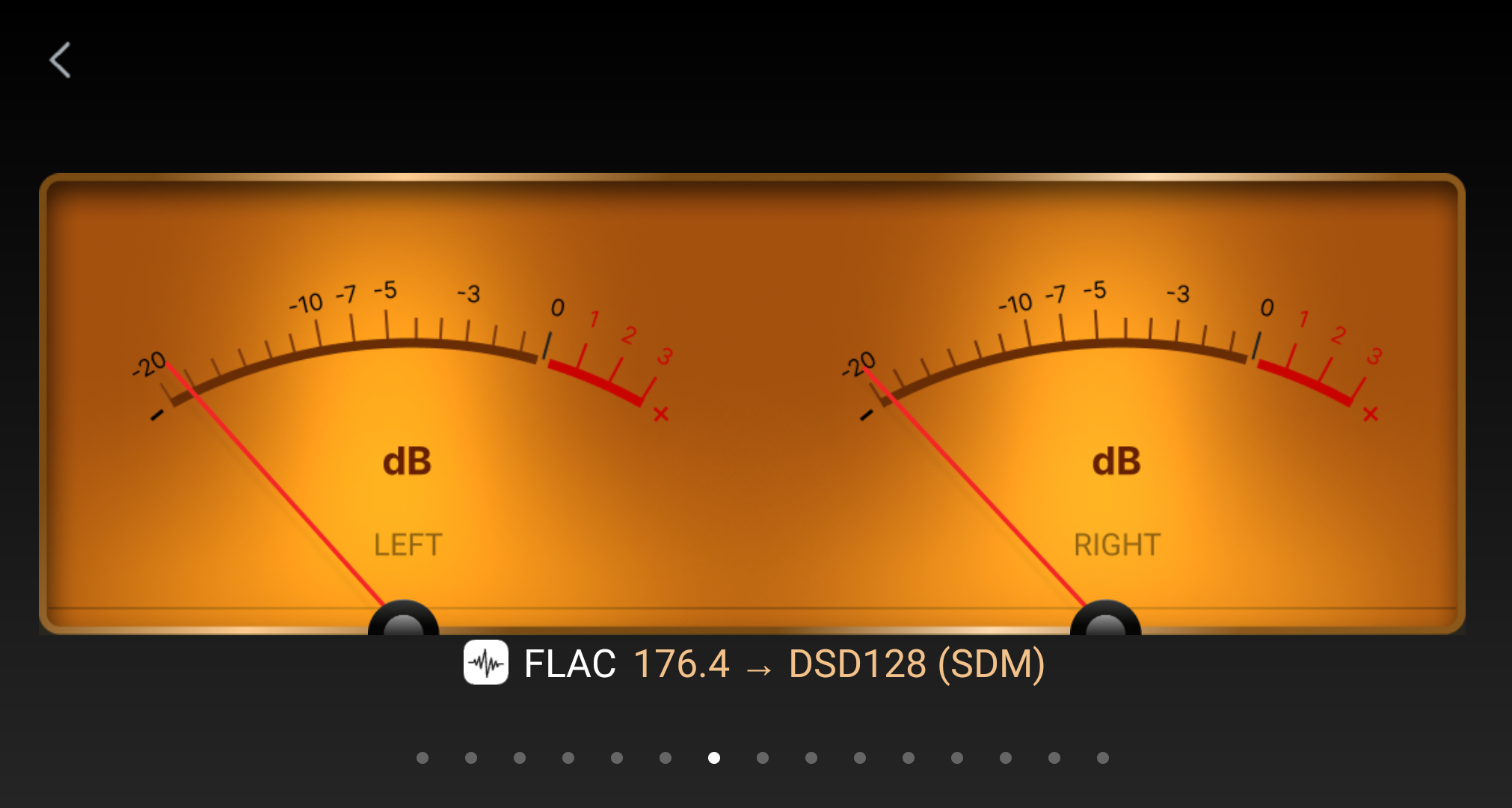
- Audio formats: check PCM and DSD limits for the selected output, rather than assuming every port supports the same formats.
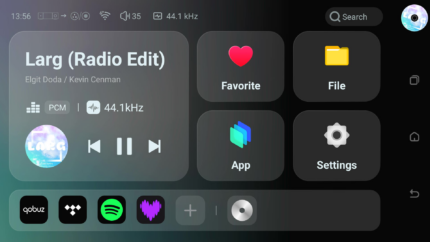
- Control: review the touchscreen and KAIBOER Home app controls available for your model.
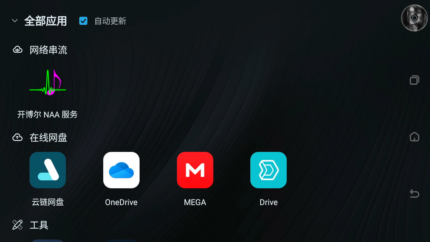
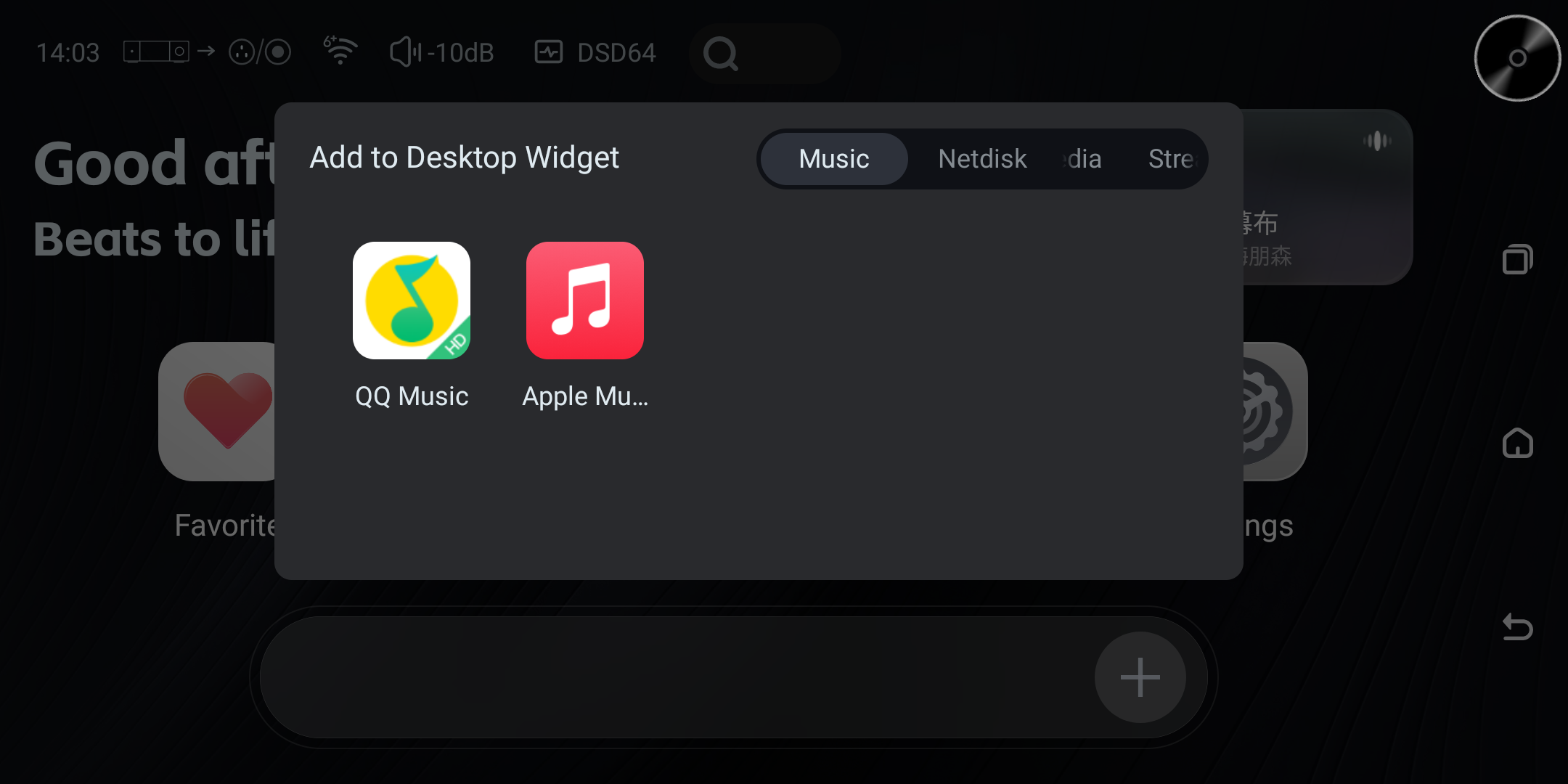
- Software: consult the DMP software manual and music services guide. App availability, account requirements and supported features can vary by model, region and software version.
Get help matching your system
Browse all KAIBOER products, visit product support or contact KAIBOER with your existing equipment and preferred music sources. Retailers and distributors can visit our distribution partner page.