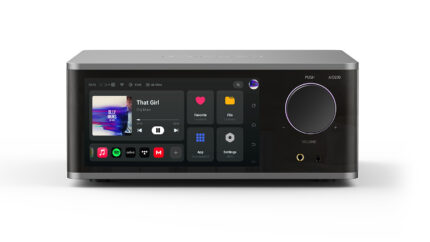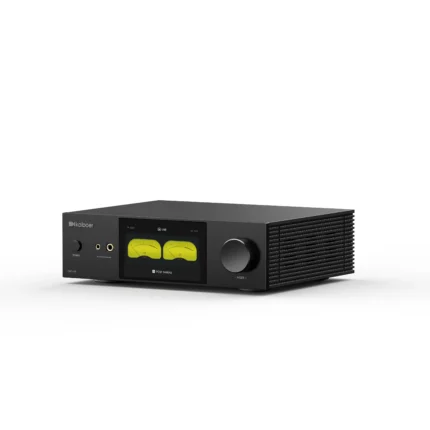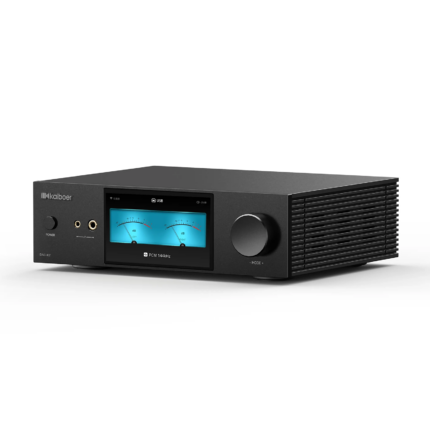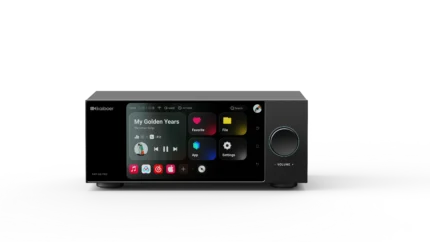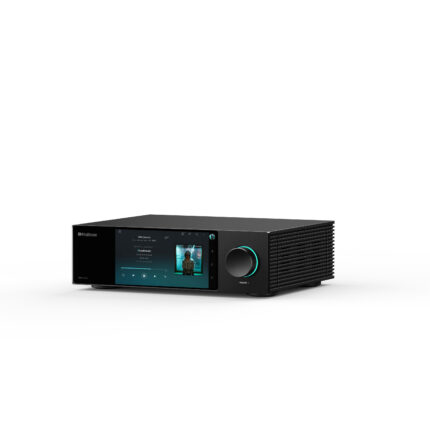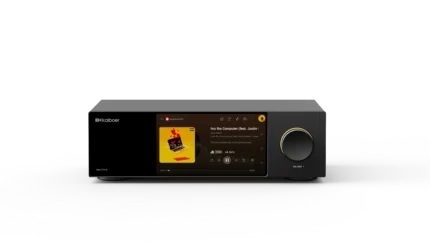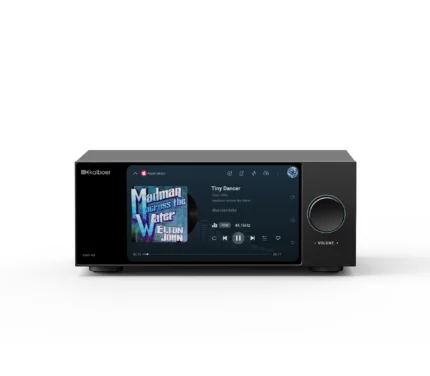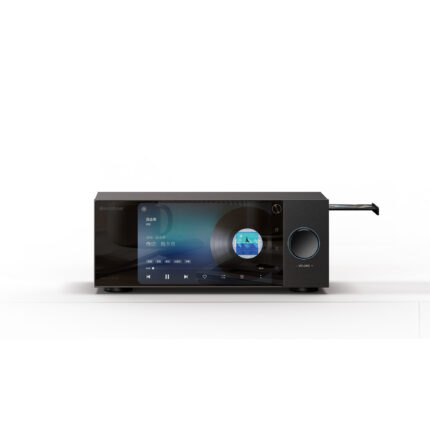
A Guide to Using Kaiboer HQPlayer Embedded with the Kaiboer DMP-K Series

Community guide by fansmall2008, originally published on the Kaiboer forum in July 2026.
Key Terms Explained
1. UPnP/DLNA Bridge
UPnP, or Universal Plug and Play, is a network protocol that allows devices to discover and communicate with one another automatically on a local network. DLNA, or Digital Living Network Alliance, is a set of standards for sharing media between devices from different manufacturers.
A UPnP/DLNA bridge is a protocol conversion tool that transfers and converts audio streams through UPnP or DLNA, allowing different devices to work together.
2. HQPlayer Embedded
HQPlayer is professional audio upsampling software that can upsample lower-rate audio files to higher rates to improve sound quality. HQPlayer Embedded is the embedded version of HQPlayer, which the original guide describes as installable on servers running Linux, Windows, and other systems, with configuration through a web interface.
3. NAA
NAA stands for Network Audio Adapter. It is HQPlayer’s dedicated network audio protocol, used to transmit audio over a network to a DAC for decoding and output.
4. DMP-K Series
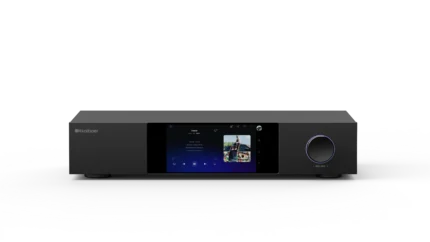
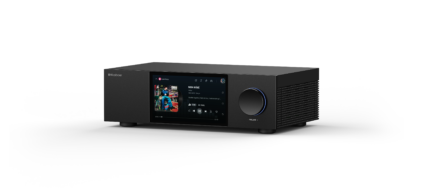
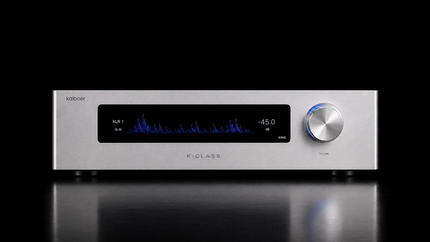
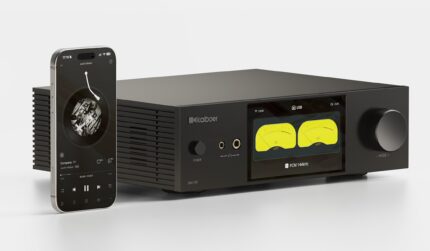
The DMP-K series provides high-performance audio decoding, supports multiple audio formats, and delivers high-quality music playback.
5. Roon
Roon is professional music management software for organizing and playing a music library. It supports multiple audio formats and devices.
6. RAAT
RAAT stands for Roon Audio Transport. It is Roon’s native audio transport protocol, designed for stable, low-latency audio transmission.
7. LMS
LMS stands for Lyrion Music Server, formerly Logitech Media Server. It is open-source server software for managing and playing a music library.
8. Squeezelite
Squeezelite is a lightweight software audio player that works with LMS to provide music playback and control.
9. ALSA Loopback
ALSA Loopback is an audio routing tool for Linux that allows audio streams to pass between different applications.
Audio Signal Path
Player → UPnP/DLNA streaming → HQPlayer Embedded for upsampling on the processing computer → NAA protocol → DMP-K for decoding and output.
Advantages
✅ Most players are free, and DLNA is a widely used protocol supported by most network music players.
One thing to note: in my setup, QQ Music and NetEase Cloud Music did not work particularly well when casting to HQPlayer Embedded over DLNA. I do not know why.
Disadvantages
❌ Some players, such as LMS, require a relatively complicated UPnP Bridge configuration. Stability also depends on the network environment.
❌ Metadata, including album artwork and track information, cannot pass through to the K8 display. LMS can send this information to HQPlayer Embedded through the UPnP/DLNA bridge, but it cannot then be passed further down the chain.
❌ DLNA compatibility with very high-rate audio is limited, although it should be sufficient unless you are using particularly demanding formats.
❌ Installing and troubleshooting plugins can be challenging, especially in a Docker environment.
Practical Notes
The main difficulty with this approach is compatibility between protocols.
My recommendation is to use HQPlayer 5. HQPlayer 6 together with NAA 5 may cause various problems, so keep that in mind.
In simple terms, the music file is sent unchanged to HQPlayer Embedded. HQPlayer Embedded then decodes it, upsamples it, packages the output for NAA, and sends it for playback.
If you want an attractive interface with touchscreen support, see the comparison below. However, the simplest and most convenient solution is still a Raspberry Pi or thin client running a web browser. You can create a shortcut and run it in full-screen mode.
Believe me, some of the supposedly touch-friendly solutions below can be extremely frustrating to configure.