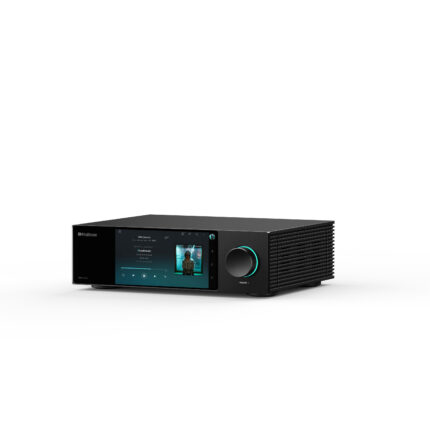
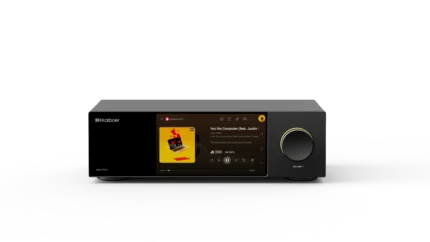
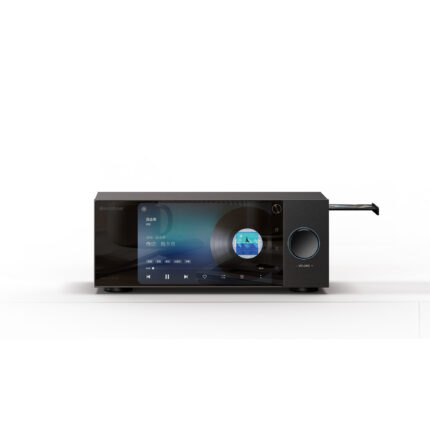
MUSIC SERVICES KAIBOER DMP SERIES
Your Music.
More Ways to Listen.
Streaming services, your personal library and connected playback. All on your KAIBOER DMP.
Explore Music Services
MADE FOR THE WAY YOU LISTEN
One DMP. A world of music.
Start with streaming, cast from your favourite device, or return to the music you already own. KAIBOER brings these ways of listening together in your system.
01 / MUSIC STREAMING
Find more to love.
Open a world of new releases, familiar favourites, and music chosen for every mood.

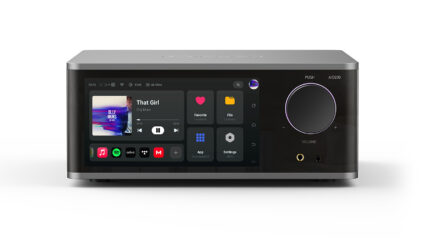
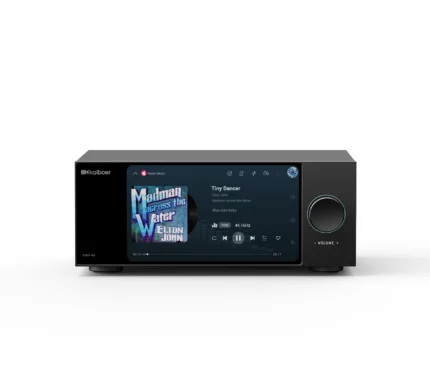
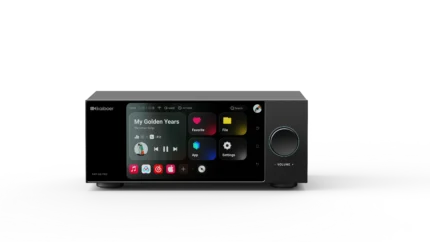
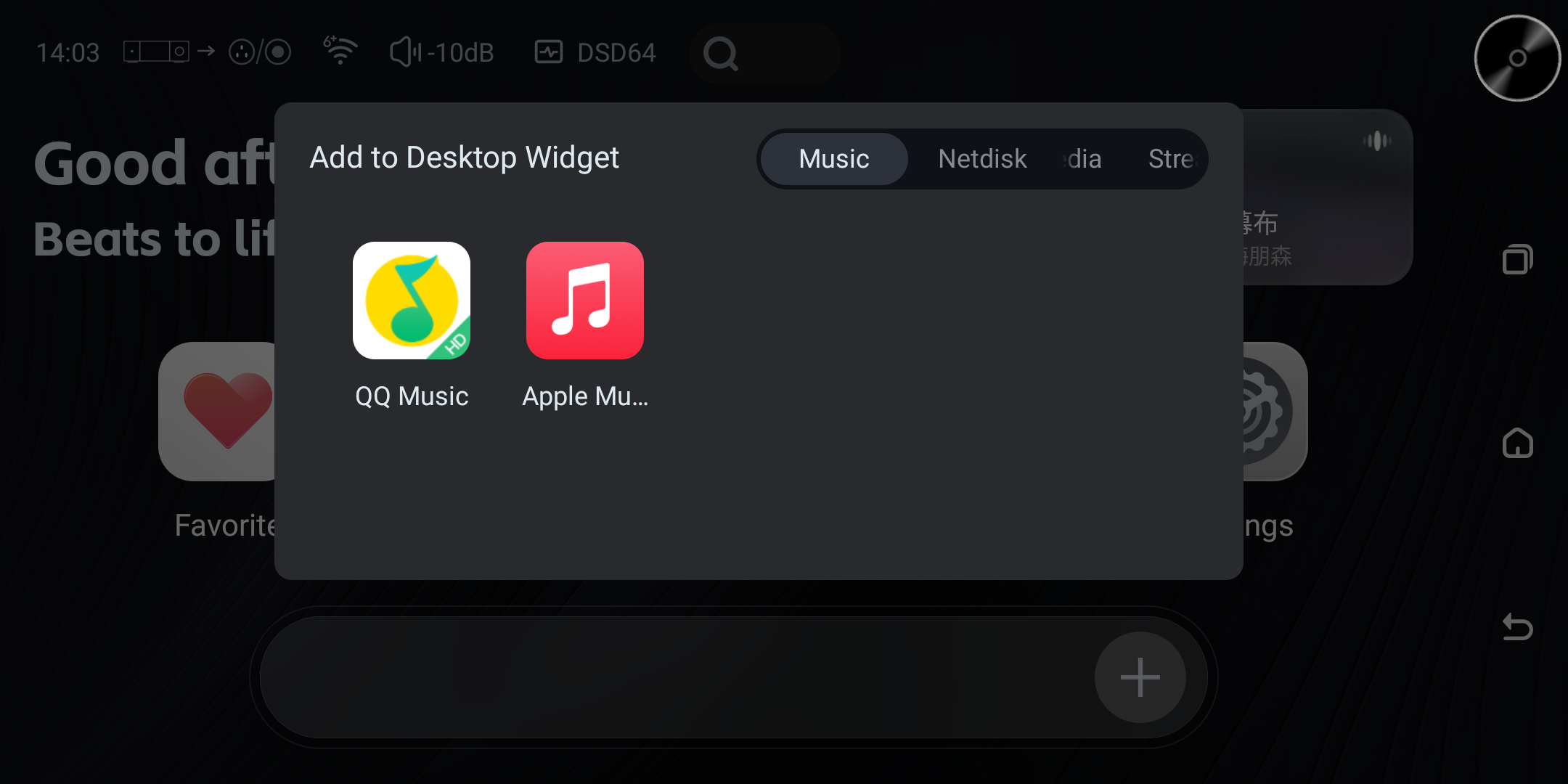
Apple Music, on your DMP.
Browse, search and play Apple Music within the KAIBOER music experience. Set up the Apple Music app and authorize your account on the DMP to get started.
Open the user manualMORE WAYS TO STREAM
Choose your music app.
Install and use compatible third-party music apps on your DMP.

Apple Music Classical
THIRD-PARTY APP
Qobuz
THIRD-PARTY APP
Spotify
THIRD-PARTY APP
TIDAL
THIRD-PARTY APP
Amazon Music
THIRD-PARTY APP
Deezer
THIRD-PARTY APP
SoundCloud
THIRD-PARTY APP
Presto Music
THIRD-PARTY APP
KKBOX
THIRD-PARTY APP
Yandex Music
THIRD-PARTY APP
JOOX
THIRD-PARTY APP
foobar2000
LOCAL PLAYERThird-party app availability, subscriptions and catalogue access may vary by service and region.
02 / CONNECT & CAST
Bring your device into the room.
Move easily from a phone, tablet or computer to your listening system.
AirPlay & AirPlay 2
Send audio from compatible Apple devices to your KAIBOER DMP over your home network.
DLNA
Play music from compatible DLNA apps and devices on the same network.
HQPlayer NAA
Use your DMP as a Network Audio Adapter with HQPlayer.
03 / YOUR MUSIC LIBRARY
Keep your collection close.
Enjoy music from local storage, a shared network library, or your personal cloud accounts.
Local & USB
Browse and play music saved to local storage or connected USB drives.
SMB & NFS
Reach shared music folders on your network from the music player.
Your cloud, within reach.
Connect K-Link to personal cloud storage and access your music from one place.
- OneDrive
- Dropbox
- MEGA
- WebDAV
- pCloud
- Nextcloud
- Koofr
04 / SOUND & MULTI-ROOM
Shape your listening experience.
Adjust the sound for your room, explore playback processing, and bring music to more spaces in your home.
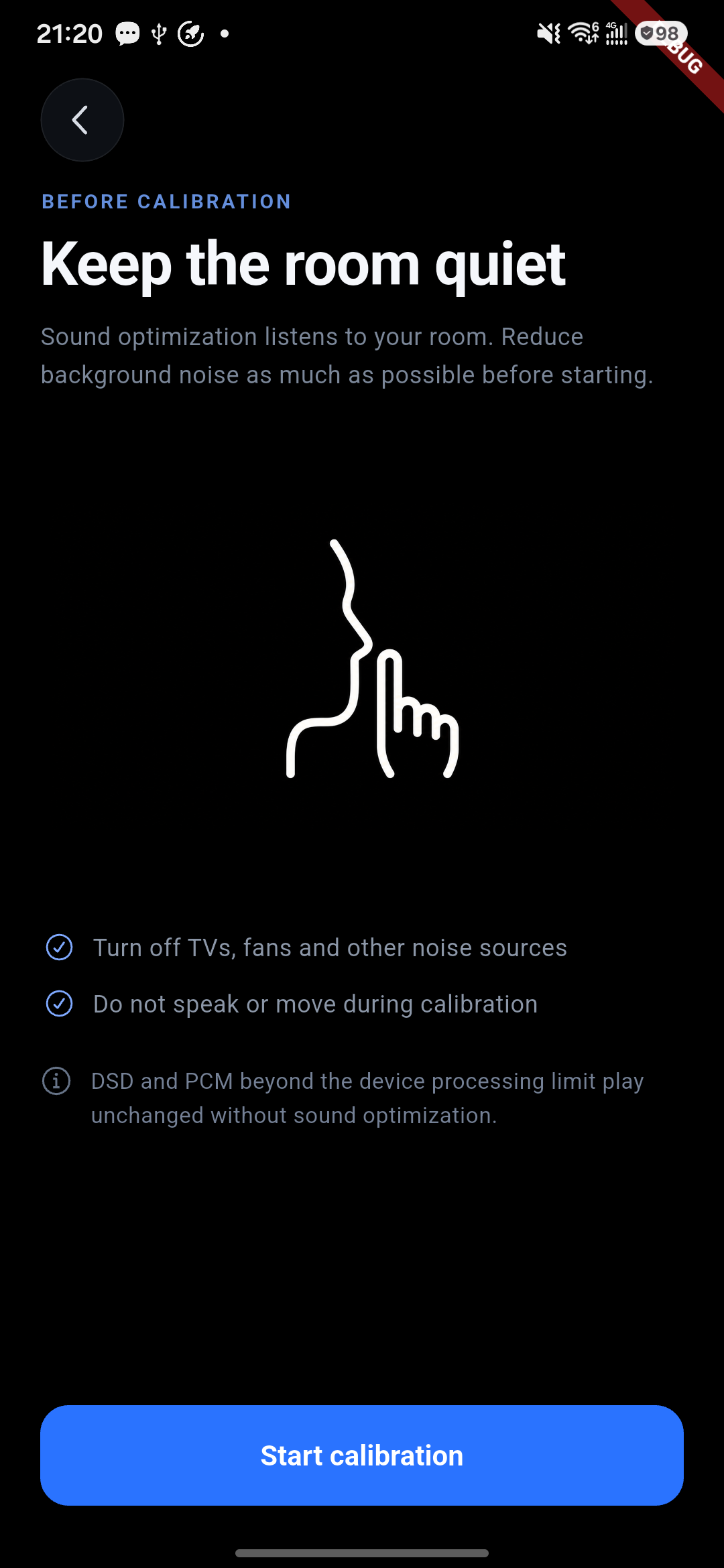
Room Correction
Use the mobile app to measure your room’s acoustic response and apply a correction profile to tailor playback to your listening space.
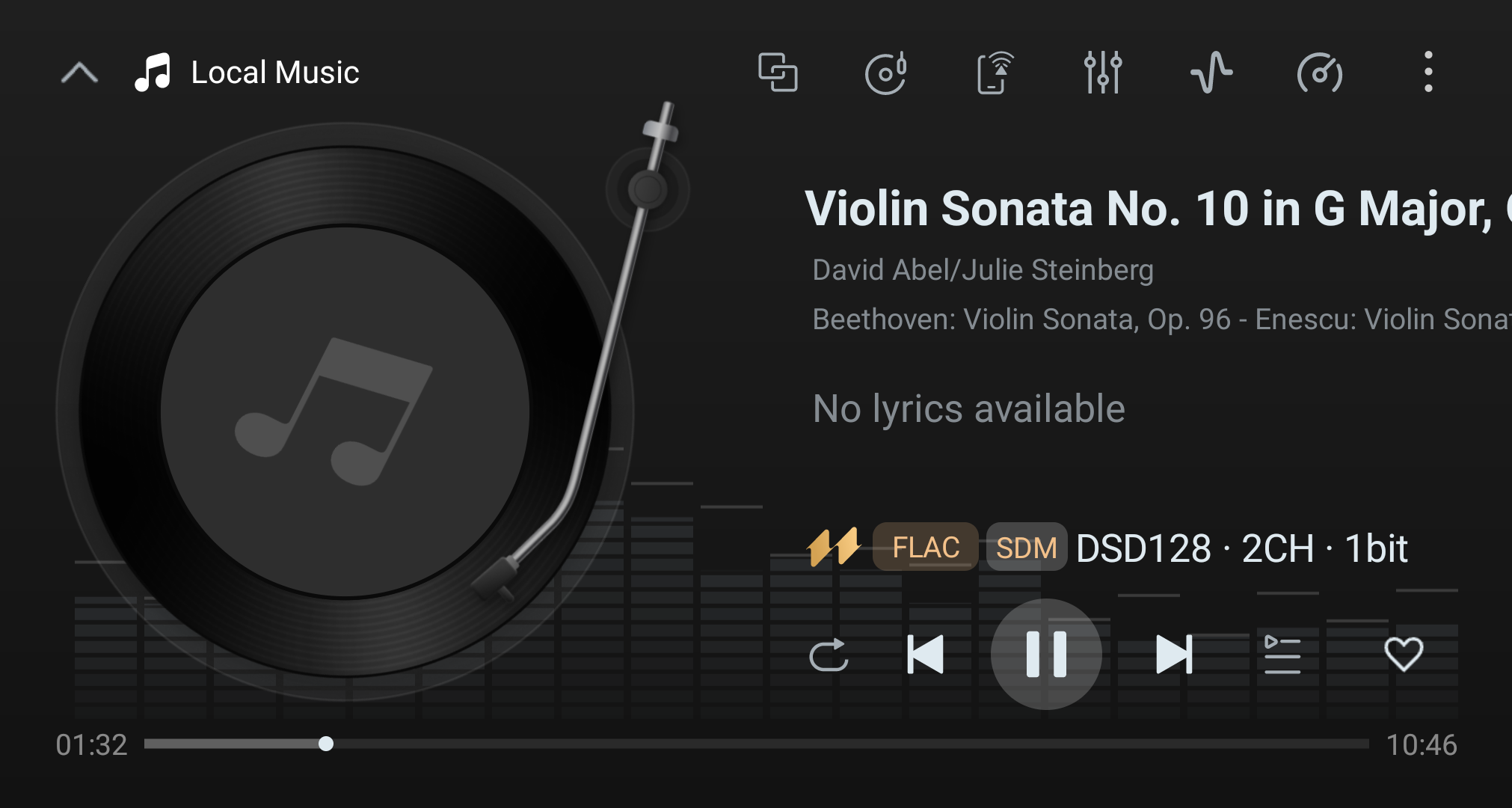
Upsampling & PCM-to-DSD
Choose PCM upsampling or PCM-to-DSD conversion to explore the playback options available with your audio system.
Processing depends on the source format and selected output.
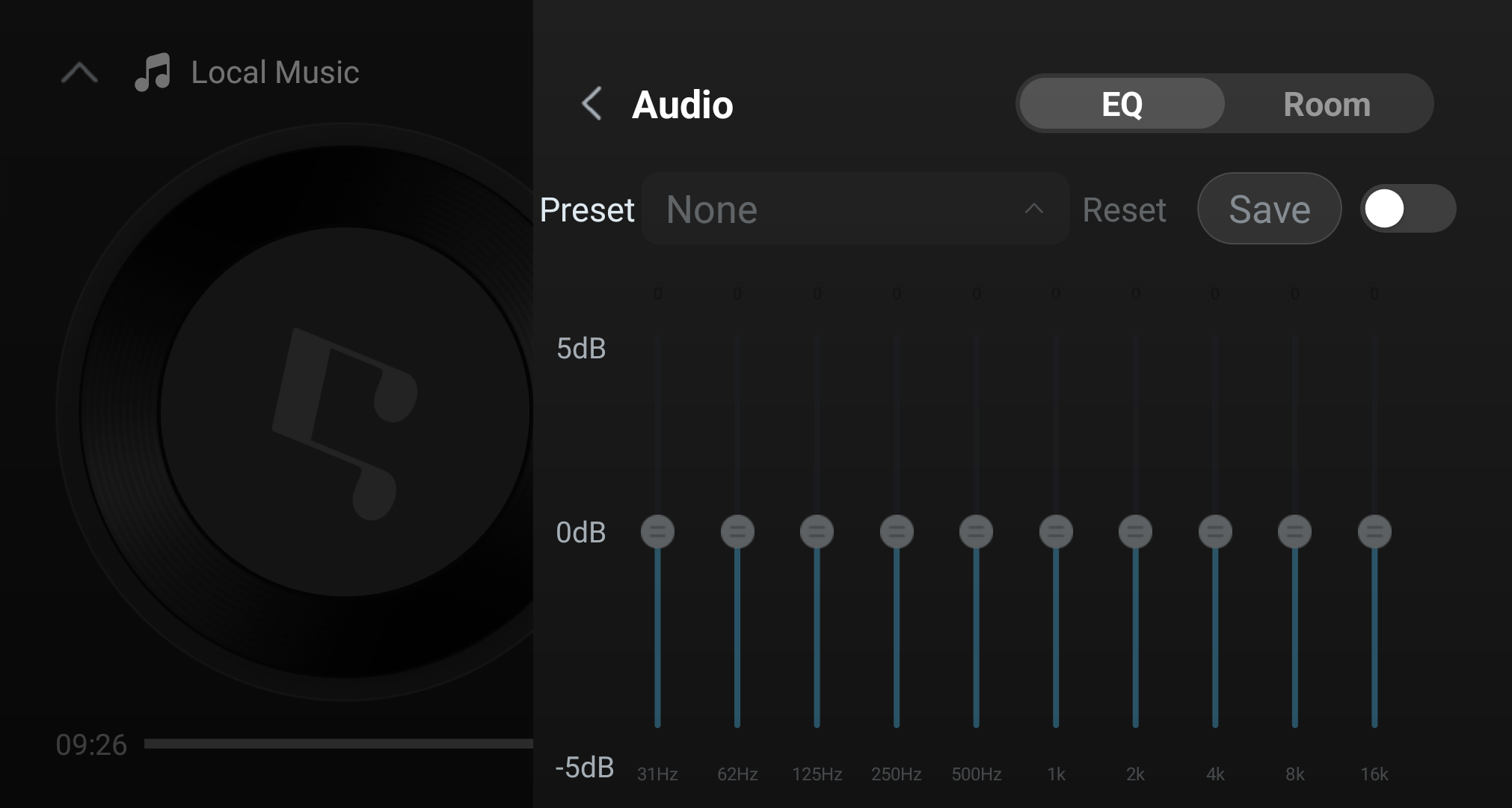
10-Band EQ
Choose an EQ preset or adjust individual bands to shape the sound to your taste.
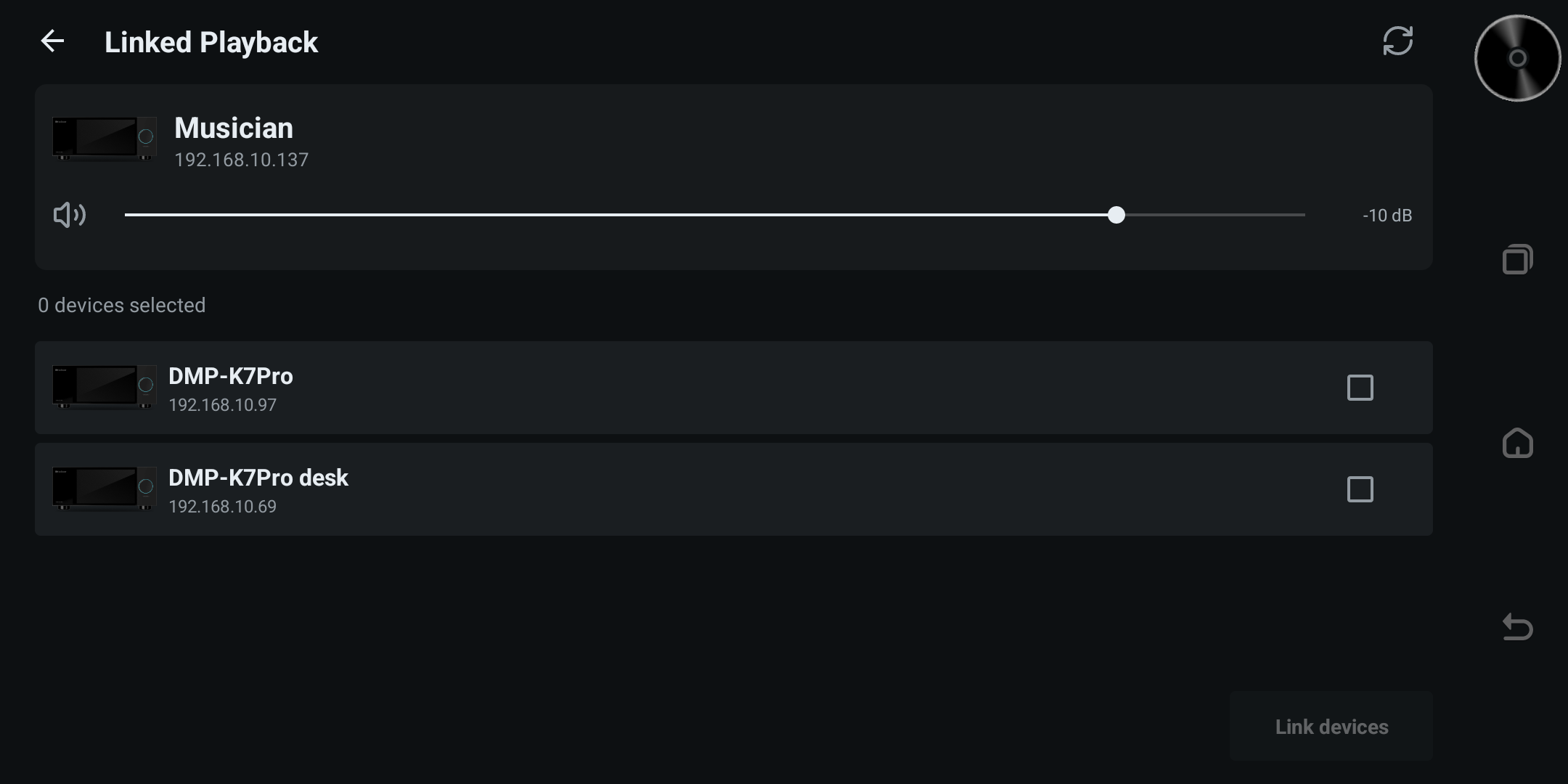
Multi-Room Playback
Group KAIBOER devices on the same network for synchronized playback. Manage group members and adjust the group’s volume from one place.
Available sources and formats depend on the group devices and playback path.
EQ and room correction are alternative listening modes and cannot be enabled together. Native DSD, DoP, compressed-audio passthrough and PCM above 192 kHz bypass EQ.
Explore sound settings in the user manualAT HOME WITH KAIBOER
Control it all with KAIBOER Home.
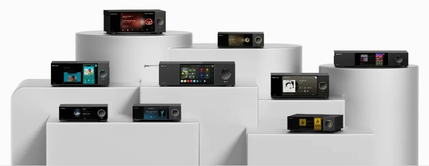
Browse your music, control playback and volume, and adjust device settings from your phone. Use screen mirroring and remote controls, or switch between KAIBOER devices without leaving your seat.
View Software User Manual